

Overview
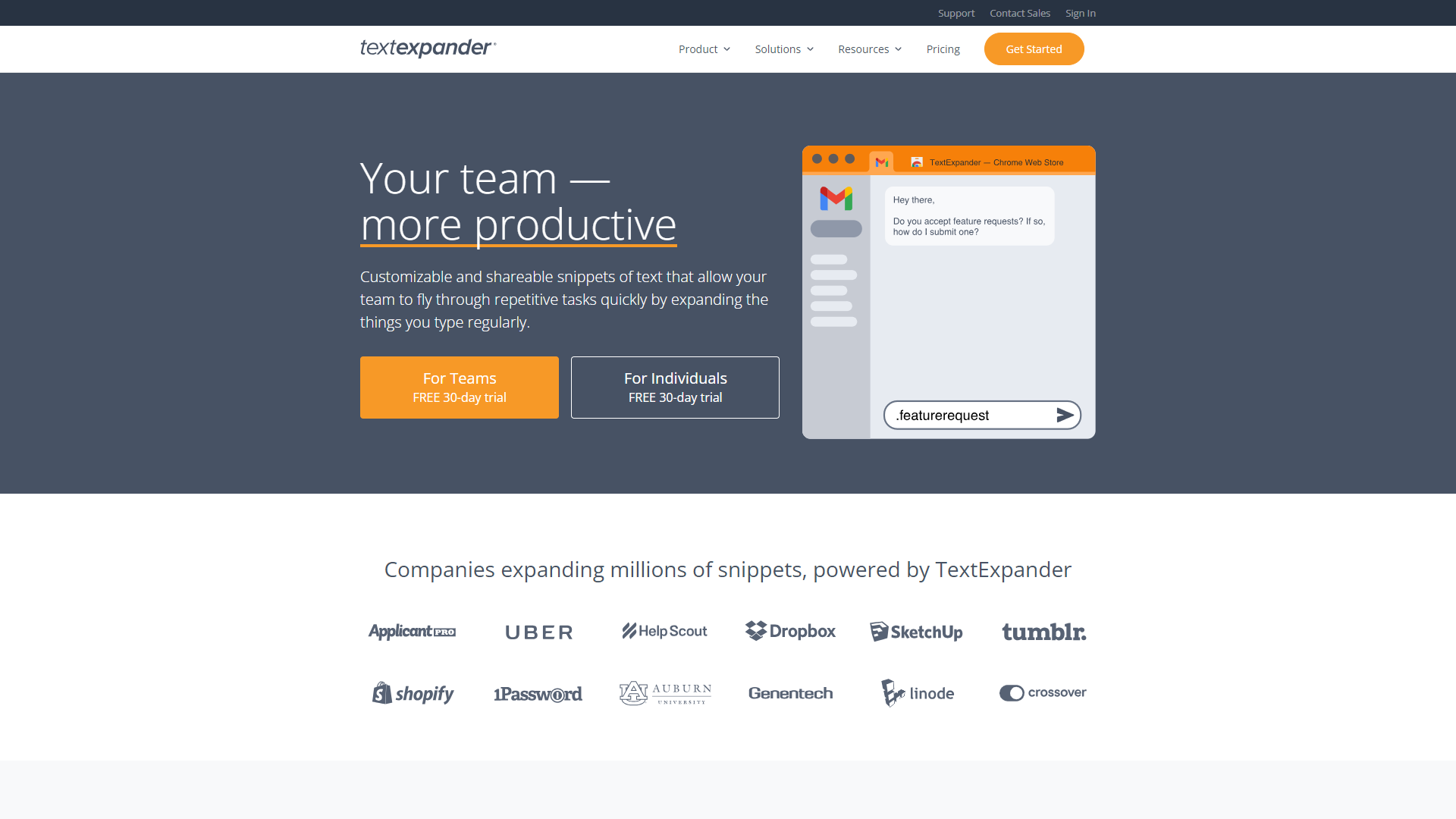
TextExpander is a powerful tool designed to help users type faster and more efficiently. It works by allowing you to create shortcuts for commonly used phrases, sentences, and even entire paragraphs. Instead of typing the same text over and over again, you can simply type a short code, and TextExpander will replace it with your full text. This saves you valuable time and reduces typing errors.
With its user-friendly interface, TextExpander is suitable for anyone, from students to professionals. It integrates well with various applications, making it a versatile choice for users across different fields. The software also syncs across devices, ensuring you have access to your shortcuts wherever you are.
Additionally, TextExpander offers powerful customization options. You can create custom templates, insert fill-in fields, and even add dates and other dynamic information. This flexibility makes it an ideal tool for anyone who frequently communicates in writing, whether it’s emails, reports, or even social media posts.
Pros
- Increases Efficiency
- User-Friendly
- Customizable
- Multi-Device Access
- Collaboration Tools
Cons
- Subscription Cost
- Learning Curve
- Limited Free Version
- Connectivity Needed
- Compatibility Issues
Key features
Snippet Creation
Easily create shortcuts for phrases and sentences to save time.
Cross-Device Syncing
Access your snippets on multiple devices, ensuring you have your shortcuts wherever you go.
Customizable Templates
Create templates that can include fill-in fields for personalized messages.
Dynamic Snippets
Insert current dates, times, and other dynamic information automatically.
Platform Integration
Works seamlessly with popular apps like Word, Gmail, and more.
Team Collaboration
Share snippets and templates with team members for better consistency.
Search Functionality
Quickly find the snippets you need with an easy-to-use search feature.
Usage Statistics
Track how often you use your snippets to measure productivity.
Pricing
| Plan | Price | Description |
|---|---|---|
| Individual | $3.33 | per month billed annually, $4.16 billed monthly. Work smarter with TextExpander. Put it on all your devices. Share the magic with your circle. |
| Business | $8.33 | per user/month billed annually, $10.41/user billed monthly. Consistency, accuracy, currency, applied to the whole team. Keep everyone productive and on message. |
Rating Distribution
Company Information
Screenshots
User Reviews
View all reviews on G2Must needed program to function.
What do you like best about TextExpander?
The things I find most usefull is being able to make my own snippet from scratch. It's extremely easy to use for those who struggle with computers. I didn't have any problems with intergration into my Microsoft system. I use this program on a daily basis in...
Great for cutting down repetitive keystrokes; time-saving text manipulation possible with scripting
What do you like best about TextExpander?
When there are certain strings of text that are needed repeatedly for various tasks, the ability to type a memorized shortcut instead saves time in the moment. The ability to also manipulate the clipboard content using JavaScript can also allow for some powe...
Absolutely necessary tool for day to day needs
What do you like best about TextExpander?
TextExpander is super easy to set up and maintain. I can save my snippets to the cloud so I can have it across multiple devices, and being able to organize the types of snippets into different folders makes it easy for me to find the snippet I need to make u...
Simple Tool, Big Impact
What do you like best about TextExpander?
I use hundreds of snippets a week. One of the best use cases for me is to use the snippets to timestamp interviews that I am conducting. This lets the team know when in the interview we talked about various topics and allows for quicker editing. Instead, of ...
The Ultimate Time Saver
What do you like best about TextExpander?
I use TextExpander on a daily basis, and I have saved over 1235 hours (20 words per minute) this year alone by using this product. It is so easy to creat snippets, share those snippets with my team, and standardize the communication to our internal and exte...
Alternative Ai Writing Assistant tools
Explore other ai writing assistant tools similar to TextExpander






FAQ
Here are some frequently asked questions about TextExpander.
What is TextExpander?
TextExpander is a tool that lets you create shortcuts for frequently used text.
How does TextExpander work?
You create snippets, which are short codes that expand into longer text when typed.
Is there a free trial of TextExpander?
Yes, TextExpander offers a free trial so you can test the features before subscribing.
Can I use TextExpander on multiple devices?
Yes, it syncs across devices, allowing you to use it on smartphones and computers.
Can I share snippets with my team?
Yes, TextExpander allows you to share your snippets with team members easily.
Is TextExpander easy to use?
Yes, the interface is user-friendly, making it easy for anyone to start using.
What platforms does TextExpander support?
TextExpander works with various platforms, including Mac, Windows, and mobile devices.
Does TextExpander track my usage?
Yes, it provides statistics on how often you use your snippets.







