

Team-GPT
An innovative collaboration tool for teams to share ideas effectively.
Visit Website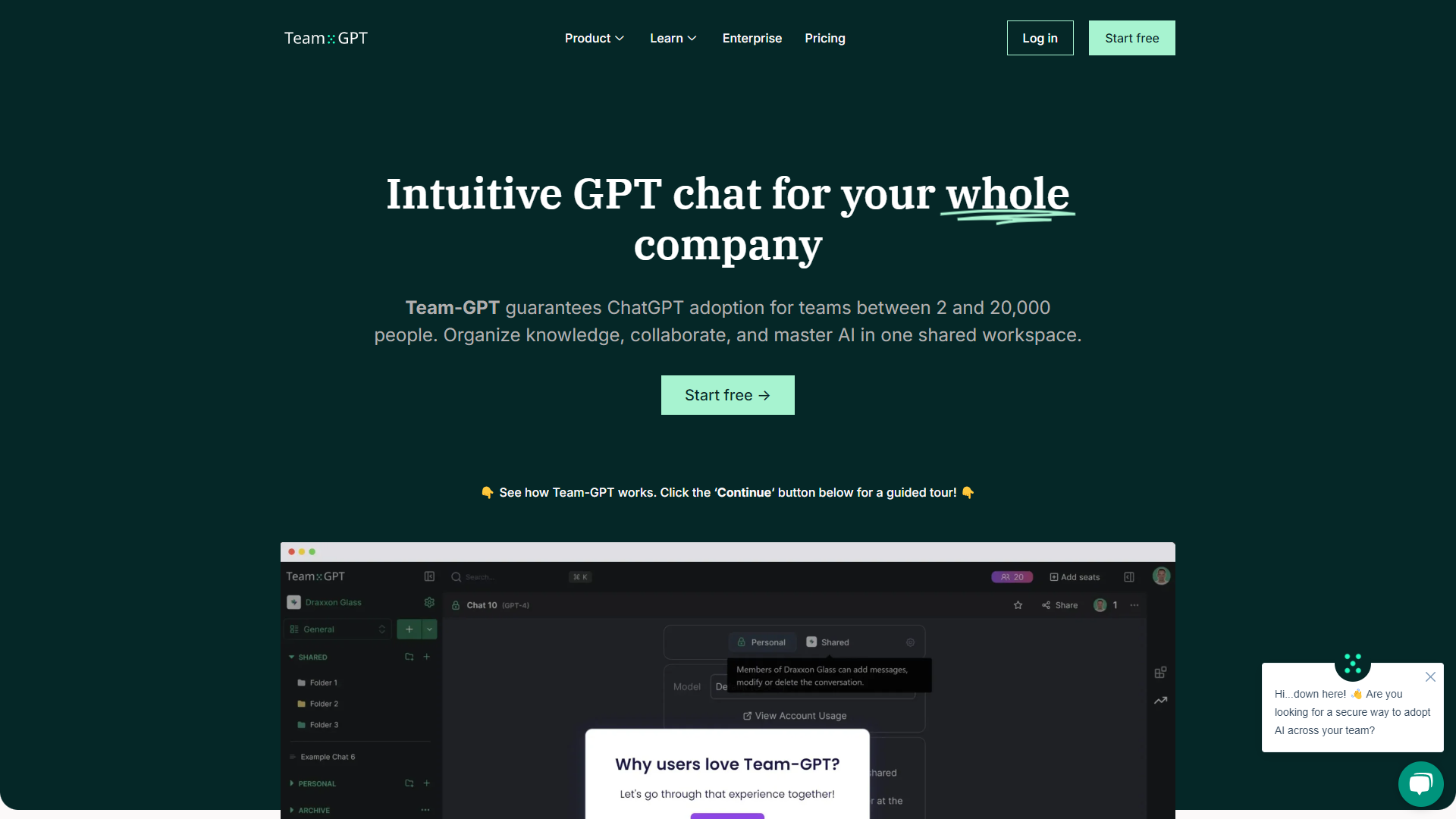
Overview
Team-GPT is designed to enhance teamwork and communication among various team members. It offers a platform where users can brainstorm, share ideas, and collaborate in real-time, making it easier for teams to stay connected regardless of their locations. The tool integrates advanced AI capabilities that assist in generating content, providing suggestions, and ultimately streamlining the workflow. With its user-friendly interface, Team-GPT aims to make collaboration not only more efficient but also enjoyable for everyone involved.
Pros
- Enhances creativity
- Boosts productivity
- Easy to use
- Seamless integrations
- Constant updates
Cons
- Learning curve
- Internet dependency
- Privacy concerns
- Limited offline capabilities
- Cost
Key features
Real-Time Collaboration
Allows team members to work together instantly, which helps in brainstorming and idea generation.
AI-Powered Suggestions
The AI engine provides relevant suggestions based on the context, enhancing creativity.
User-Friendly Interface
Simple and intuitive design makes it accessible for everyone, regardless of tech skill.
File Sharing
Easily share documents and files within the platform, facilitating information flow.
Commenting System
Team members can leave comments on ideas or documents, promoting clear communication.
Integration with Other Tools
Works well with popular productivity tools, making it easy to integrate into existing workflows.
Customizable Templates
Offers various templates to kickstart projects, saving time and effort.
Analytics Dashboard
Provides insights on team performance, helping to identify areas for improvement.
Pricing
| Plan | Price | Description |
|---|---|---|
| Free | Free (2 Users) | - |
| PRO | Starting at $20.00 (10 Users Per Month) | Team collaboration |
| MAX | Starting at $50.00 (10 Users Per Month) | - |
| Enterprise | Contact Us | - |
Rating Distribution
Company Information
Screenshots
User Reviews
View all reviews on G2The best tool to get non-technical people to use GenAI at work
What do you like best about Team-GPT?
it is super easy to set up and start using. The trainings are also very relevant, easy to comprehend and interesting captivating the attention of the user. I also like the pricing they have and the oppotunity to run it in our Private AWS cloud making it cimplete...
Collaborative AI workspace that is efficient
What do you like best about Team-GPT?
Team-GPT.com has transformed the way our team manages and collaborates on AI content. The platform's intuitive design allows us to easily categorize conversations and team prompts into folders and subfolders, significantly enhancing our ability to share knowledg...
Very handy AI tool for private team collaboration
What do you like best about Team-GPT?
The most helpful part is being able to share your chats with colleagues and working on a piece of copy/content together. The prompt library is also great and saves tons of time.
What do you dislike about Team-GPT?
Really no downsides I can think of. So far its ...
Just use Team-GPT if you want you and your team to adopt AI! The best tool!
What do you like best about Team-GPT?
Team-GPT is my go-to for daily tasks like writing emails, blog articles and brainstorming. It's a super useful collaborative tool!
The function of organizing chats into folder is so good! You have aslo the fork feature, which lets you create different chat scen...
The most useful project management app
What do you like best about Team-GPT?
The best tool for any kind of project management. I use it and recommend it to all of my friends and colleagues. It's very easy to use, you can be familiar with it very soon and until now I didn't need to use their customer support. I use it every day and very e...
Alternative Ai Writing Assistant tools
Explore other ai writing assistant tools similar to Team-GPT






FAQ
Here are some frequently asked questions about Team-GPT.
What is Team-GPT?
Team-GPT is a collaborative tool that enables teams to share ideas and work together efficiently.
How does the AI feature work?
The AI offers intelligent suggestions based on the context of your discussions, helping to inspire new ideas.
Can we use Team-GPT offline?
Most features require an internet connection, so offline capabilities are limited.
Is Team-GPT easy to use for non-techies?
Yes, its user-friendly interface makes it accessible for everyone, regardless of tech skills.
What types of files can I share?
You can share various file types, including documents, images, and links within the platform.
Does Team-GPT offer integrations with other tools?
Yes, Team-GPT integrates seamlessly with many popular productivity tools to enhance your workflow.
Are there any costs associated with using Team-GPT?
Yes, Team-GPT offers different pricing plans, and some features may require a subscription.
How can I provide feedback on Team-GPT?
You can submit feedback through the platform or contact their support team directly.







