

Outwrite for Teams
Outwrite for Teams helps groups improve their writing and communication.
Visit Website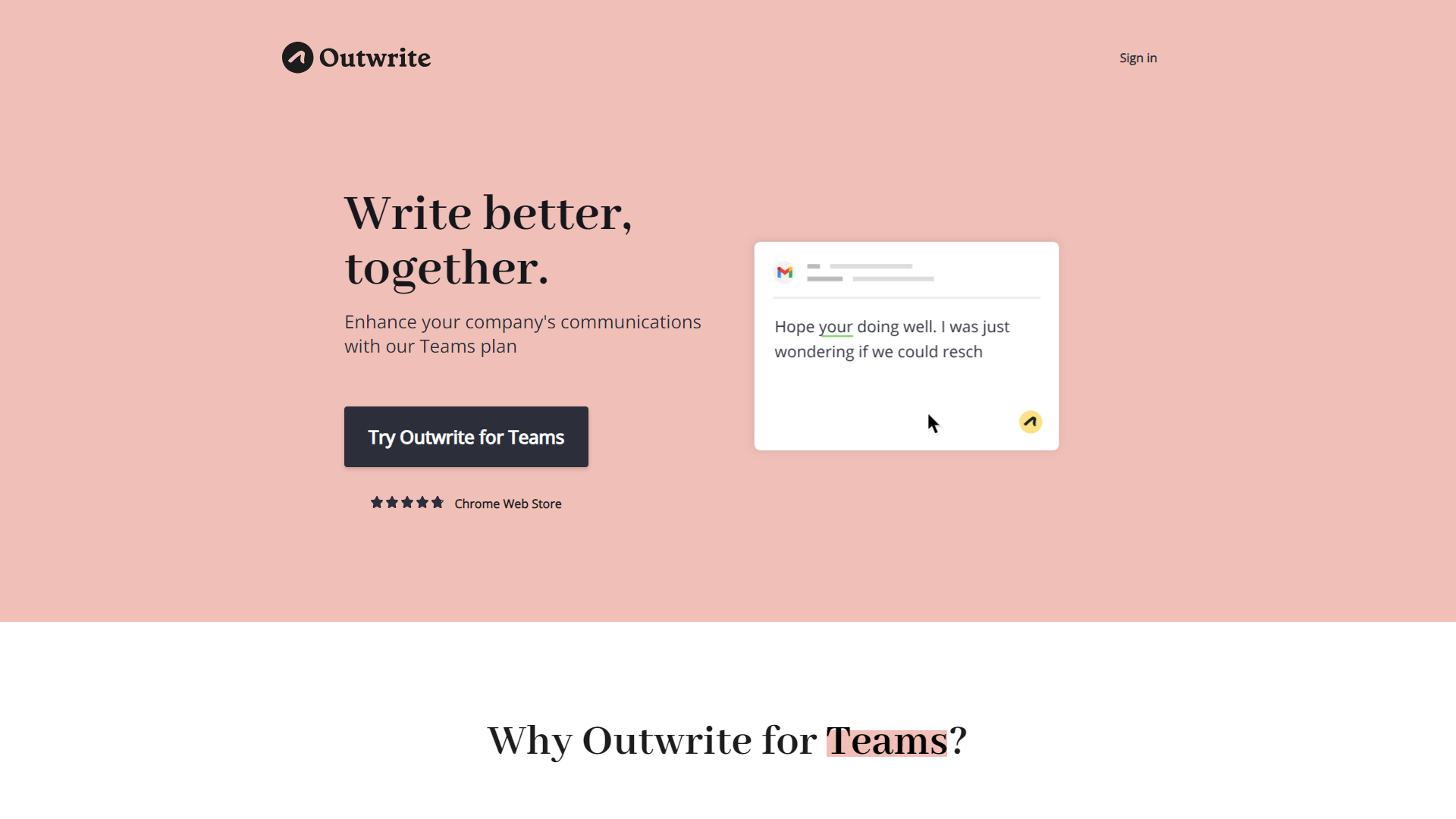
Overview
Outwrite for Teams is a powerful tool designed to assist teams in enhancing their writing. It offers various features that focus on grammar, style, and clarity, making it easier for team members to communicate effectively. With Outwrite, collaboration becomes smoother as users can easily share and edit documents, ensuring that everyone is on the same page.
This tool is especially beneficial for teams working remotely or in different locations, as it provides real-time suggestions and feedback. Outwrite helps users identify errors and improves overall writing quality. It’s ideal for businesses, educational institutions, and any group that values good communication.
In today's fast-paced work environment, effective writing is essential. Outwrite for Teams ensures that your team’s written communication is professional and clear, fostering better collaboration and understanding among team members.
Pros
- Improves Writing Quality
- Enhances Team Collaboration
- User-Friendly
- Customizable
- Valuable Insights
Cons
- Subscription Cost
- Learning Curve
- Limited Mobile Functionality
- Internet Connection Required
- Occasional Over-Suggestions
Key features
Real-Time Collaboration
Teams can work together seamlessly on documents, seeing each other's changes instantly.
Grammar and Style Checks
Outwrite highlights mistakes and suggests improvements to enhance writing quality.
Plagiarism Detection
The tool checks for copied content, ensuring originality in team writing.
Customizable Suggestions
Users can adjust the feedback to fit their unique writing style and needs.
Reports and Insights
Teams receive valuable feedback through detailed reports on their writing habits.
Integration Capabilities
Outwrite can be easily integrated with popular tools like Google Docs and Microsoft Word.
Easy-to-Use Interface
The tool features a friendly user interface, making it accessible for all users.
Multilingual Support
Outwrite offers support in several languages, catering to diverse teams.
Pricing
| Plan | Price | Description |
|---|---|---|
| Free | $0.00 | For fixing spelling and grammar errors |
| Pro | Starting at $9.95 | For enhancing writing style and structure. |
| Teams | Starting at $7.95 | For ensuring your company's communications are clear and on-brand |
Rating Distribution
Company Information
Screenshots
User Reviews
View all reviews on G2Very good tool for proofreading and support
What do you like best about Outwrite for Teams?
There are a lot of features I liked in Outwrite, mainly proofreading, collaboration feature for teams and efficient suggestions while forming sentences and making them look professional.
What do you dislike about Outwrite for Teams?
I liked everything...
Great tool for daily professional conversation via emails, docs, etc.
What do you like best about Outwrite for Teams?
Outwrite for Teams allows multiple team members to work on the same document simultaneously, enabling real-time collaboration and feedback. Also, it allows to add comments and annotations, which can help teams track feedback and discussions around a do...
Good vocab
What do you like best about Outwrite for Teams?
It is helpful in avoiding mistakes in any article, projects summary of webinars or any other writings work submission. Outwrite cam be enabled to use at any point on any platforms.
What do you dislike about Outwrite for Teams?
Used it for a month and ...
Potentially a better alternative than Grammarly
What do you like best about Outwrite for Teams?
Extremely easy to use interface, great design and use of color to show grammar/spelling errors. Very configurable to your needs.
What do you dislike about Outwrite for Teams?
Not much. Maybe if you dismiss an error, that they would apply that dismissa...
Alternative Ai Writing Assistant tools
Explore other ai writing assistant tools similar to Outwrite for Teams






FAQ
Here are some frequently asked questions about Outwrite for Teams.
What is Outwrite for Teams?
Outwrite for Teams is a writing tool designed to help teams improve their writing skills and collaborate efficiently.
Can teams collaborate in real-time?
Yes, teams can work together in real-time, seeing each other's edits and suggestions instantly.
Is Outwrite available for individuals?
While it focuses on teams, Outwrite can also be used by individuals who want to improve their writing.
Does Outwrite check for grammar mistakes?
Yes, it offers grammar and style checks, helping users identify and correct errors.
Can I integrate Outwrite with other tools?
Yes, Outwrite integrates seamlessly with tools like Google Docs and Microsoft Word.
Is there a mobile app for Outwrite?
Yes, there is a mobile version, but it may have limited features compared to the desktop version.
How does Outwrite help with plagiarism?
Outwrite includes a plagiarism detection feature to ensure that content is original and properly cited.
What kind of insights does Outwrite provide?
It offers reports on writing habits, highlighting areas of strength and opportunities for improvement.







