
Overview
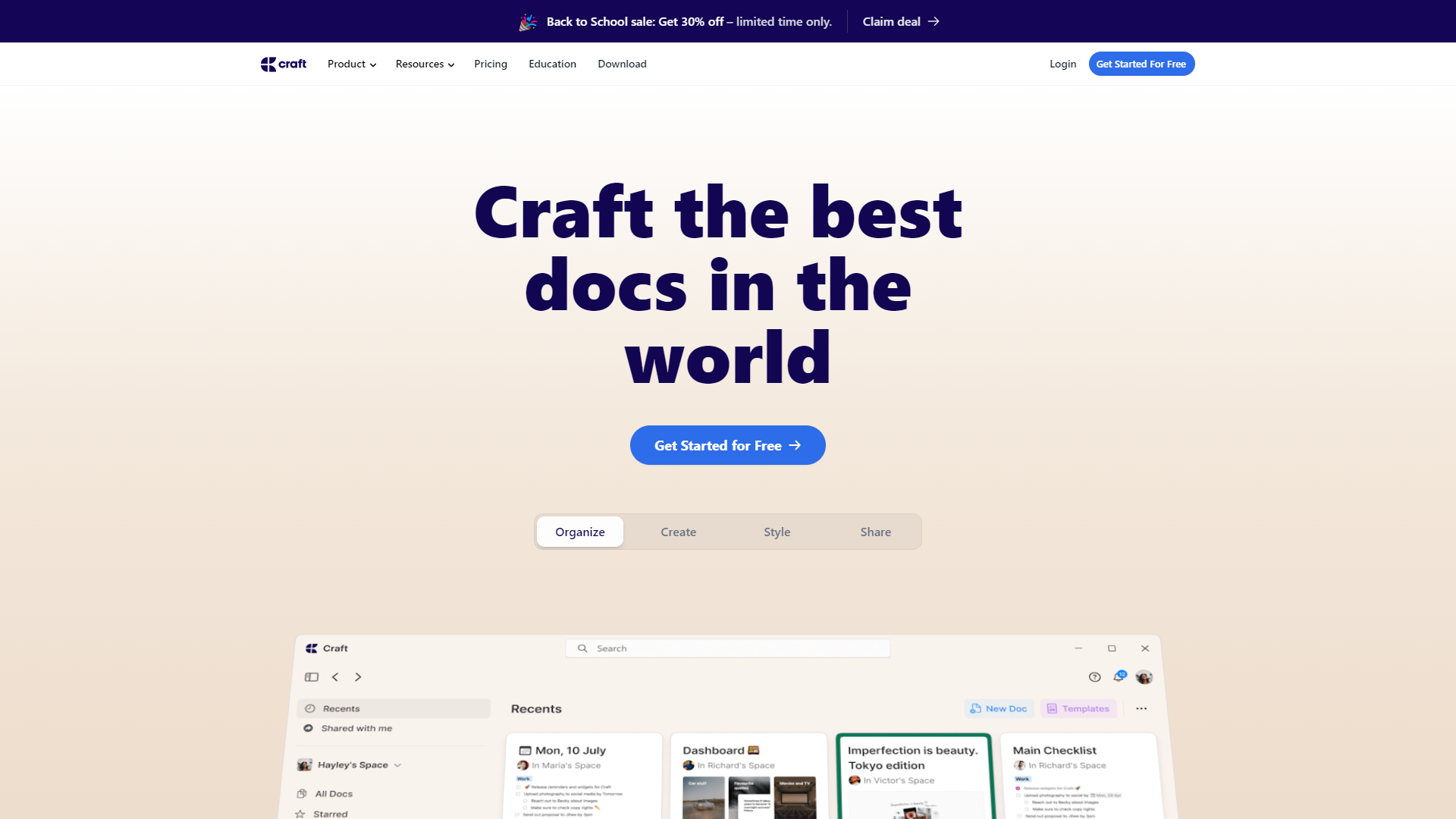
Craft Docs is a user-friendly document collaboration tool designed for teams. It helps users create, edit, and share documents easily. With its intuitive interface, teams can work together effectively, whether they are in the same office or scattered around the globe.
Pros
- Easy to Use
- Improves Productivity
- Great for Remote Teams
- Rich Features
- Responsive Customer Support
Cons
- Limited Customization
- Cost
- Learning Curve
- Performance Issues
- Integration Limitations
Key features
Real-time Collaboration
Teams can work on documents together at the same time, seeing each other's changes instantly.
User-friendly Interface
The design is simple and easy to navigate, making it accessible for all team members.
Templates
Craft Docs provides a variety of templates to help users start their documents quickly and efficiently.
Commenting and Feedback
Users can leave comments on any section of the document, facilitating clear communication and feedback.
Version History
Users can track changes and revert to previous versions of a document whenever necessary.
Offline Access
Teams can work on documents without an internet connection, with changes syncing once they are online again.
Integration
Craft Docs easily integrates with numerous apps like Google Drive and Slack to streamline workflow.
Access Control
Admins can manage who sees and edits documents, ensuring information security.
Pricing
| Plan | Price | Description |
|---|---|---|
| Free | Free | Everything you need to get started with Craft. |
| Pro | Starting at $5.00 | Everything in Free, plus: |
| Business | Starting at $10.00 | Everything in Pro, plus: |
| Enterprise | Contact Us | For businesses that need more security, control and support. |
Rating Distribution
Company Information
Screenshots
User Reviews
View all reviews on G2You love software based on functions or aesthetics. Craft accomplishes both
What do you like best about Craft Docs?
Craft it is pretty. And I use it every day.
As someone whose job involves introducing note-taking software to university teachers who’d honestly rather run in the opposite direction than pick up something overly techy, let me tell you, Craft is a gem. I show ...
Great tool for creating education resources.
What do you like best about Craft Docs?
Craft offers an easy user interface for creating documents. The products look great and allow for easy organization of information. The feature to publish to the web is a great added feature.
What do you dislike about Craft Docs?
There are limits on customiza...
Craft Docs: Excellence in Beautiful Document Creation and Team Collaboration!
What do you like best about Craft Docs?
I use Craft every day both personally and with a team professionally. Creating documents has become such a fun and fulfilling experience with Craft's user-friendly interface, hassle-free sharing, and the granular control it offers through link-sharing permissi...
Be a crafter of documents with Craft Docs
What do you like best about Craft Docs?
I think it is a user-friendly and versatile platform that allows for easy file sharing, document scanning, and designing. I can access it from various devices with its simple and smooth interface. I can create a password that protects my documents and it can ...
Craft Docs: A Valuable Tool for Team Communication
What do you like best about Craft Docs?
Craft Docs has everything you need. With its user-friendly UI, it makes document scanning, designing and file sharing a breeze. This versatile platform allows me to share documents through generated links or with added password protection, ensuring the securi...
Alternative Ai Writing Assistant tools
Explore other ai writing assistant tools similar to Craft Docs






FAQ
Here are some frequently asked questions about Craft Docs.
What is Craft Docs?
Craft Docs is a collaborative document tool for teams to create and manage documents effectively.
How does real-time collaboration work?
Team members can edit the same document simultaneously and see each others' changes in real-time.
Can I use Craft Docs offline?
Yes, you can work on documents offline, and your changes will sync automatically when you're back online.
Are there templates available?
Yes, Craft Docs provides various templates to help users get started on their documents.
How does version history work?
Craft Docs allows users to see previous versions of a document and restore them if needed.
Is there customer support?
Yes, Craft Docs has a responsive customer support team to assist users with any questions.
What integrations does Craft Docs offer?
Craft Docs integrates seamlessly with tools like Google Drive, Slack, and many more.
Can I control who sees my documents?
Yes, you can set access controls to manage who can view and edit your documents.







