

Overview
PDF to GPT is an innovative tool developed to streamline the process of summarizing large PDF documents using advanced GPT technology. The tool specializes in breaking down extensive files into manageable sections within the GPT context limit, allowing users to quickly extract essential information without delving into the entirety of the document.
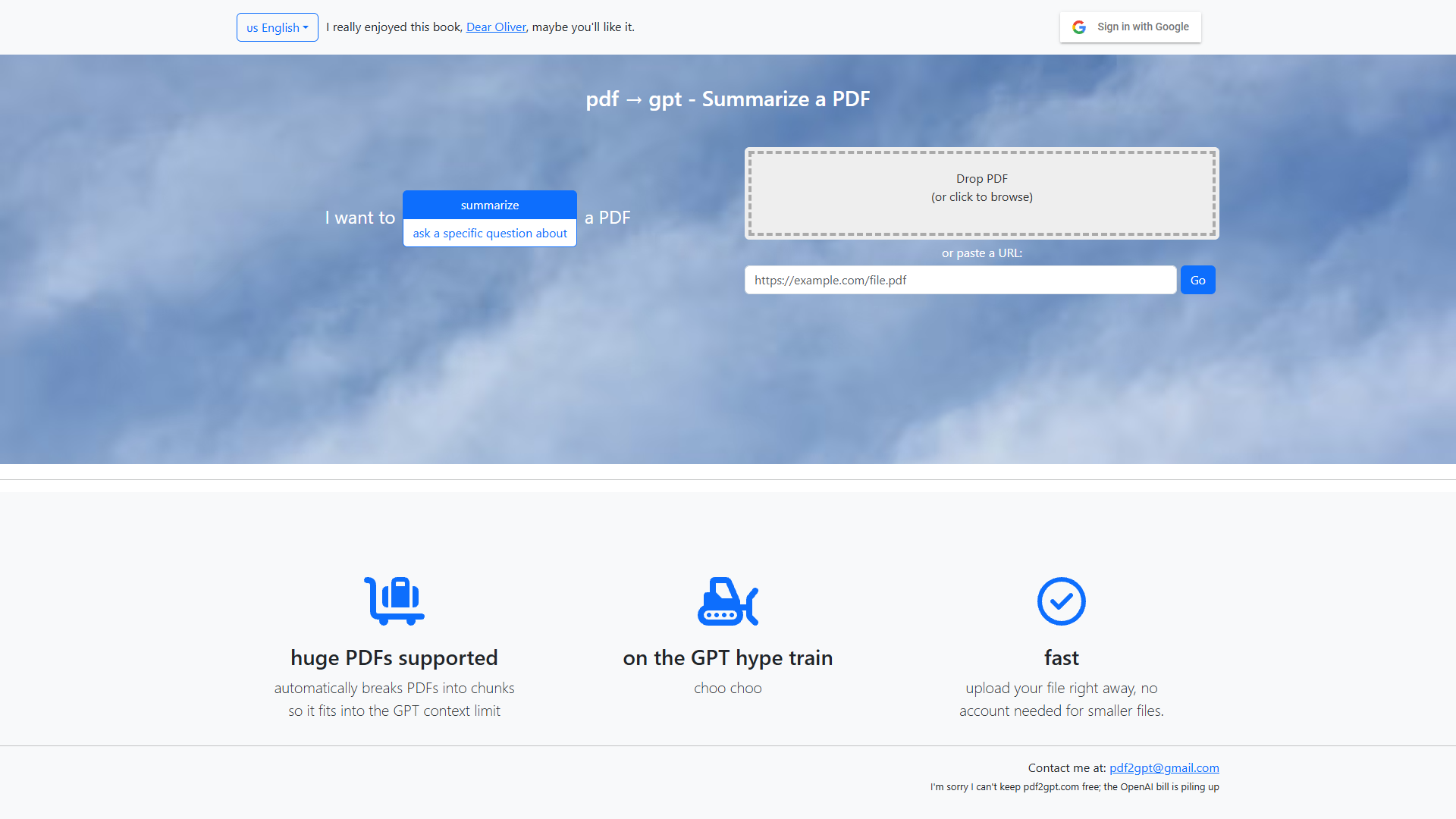
Designed with ease of use in mind, users can effortlessly upload their files or paste a URL to begin the summarization process. One of the most appealing aspects of PDF to GPT is its capability to handle substantial documents efficiently, often a challenge with typical summarization tools. Additionally, it offers the flexibility to answer user-specific questions about the document's content, significantly enhancing its usability.
Though it does not provide a free plan, PDF to GPT remains a crucial asset for users who deal with extensive PDF files regularly, ensuring they save time and effort while ensuring the accuracy and relevance of the summaries generated. Its blend of simplicity, speed, and comprehensive AI-driven summaries caters to both personal and professional users seeking an efficient document management solution.
Pros
- No account needed
- Handles large documents
- User-friendly interface
- Advanced AI technology
- Flexible summarization options
Cons
- No free plan
- Limited to PDF format
- Complexity with PDFs
- Requirement for internet
- Potential for limited context
Key features
Supports large PDFs
This tool can manage substantial PDF files with ease, making it particularly useful for users dealing with lengthy documents that need summarizing.
Automatic chunking
PDF to GPT automatically divides large files into smaller chunks that fit within the GPT context limit, ensuring accurate and comprehensive summaries.
Fast uploads
Users can quickly upload their PDF files without any delays, allowing them to begin the summarization process almost instantly, improving workflow efficiency.
Question response
In addition to summarization, users can ask specific questions about their documents, receiving precise answers that cater to their information needs.
User-friendly interface
The tool offers a straightforward interface that simplifies the upload and summarization process, ensuring ease of use for all users, regardless of their technical expertise.
Alternative Ai Content Generator tools
Explore other ai content generator tools similar to PDF to GPT






FAQ
Here are some frequently asked questions about PDF to GPT.
How does PDF to GPT work?
PDF to GPT operates by using AI technology to break down large PDF files into smaller, manageable sections. This allows the tool to create precise summaries and provide answers to specific questions about the content, enhancing the user experience.
What types of files can PDF to GPT handle?
PDF to GPT is specifically designed to handle PDF documents. Users can upload large PDF files and have them summarized or use the tool to ask specific questions about the content within those PDFs.
Is PDF to GPT suitable for professional use?
Yes, PDF to GPT is well-suited for professional use, especially for individuals who need to deal with large PDF documents frequently. Its ability to summarize massive documents quickly makes it ideal for business or academic purposes.
Can I use PDF to GPT on mobile devices?
Yes, PDF to GPT can be accessed on mobile devices, offering flexibility for users who need to work on the go. However, ensure a stable internet connection for seamless operation.
Can I use PDF to GPT for free?
PDF to GPT does not offer a free plan. While there is no free option, it offers valuable features for users needing to summarize large PDFs regularly, making it a worthwhile investment.
Do I need an account to use PDF to GPT?
For smaller files, there is no need to create an account, allowing users to quickly access the tool and its features without any registration, providing greater convenience.
Does PDF to GPT maintain the formatting of the original PDF?
While PDF to GPT does an excellent job of summarizing content, it focuses on text rather than maintaining the original formatting of the PDF. Summaries aim to convey key information accurately.
What makes PDF to GPT stand out from other summarization tools?
PDF to GPT differentiates itself by its efficiency in handling large documents, the ability to ask specific questions, and its reliance on advanced AI technology to deliver accurate summaries. Its user-friendly interface also contributes to its uniqueness.







