

AudioPen
Voice-to-text conversion tool enhancing productivity and creativity.
Visit Website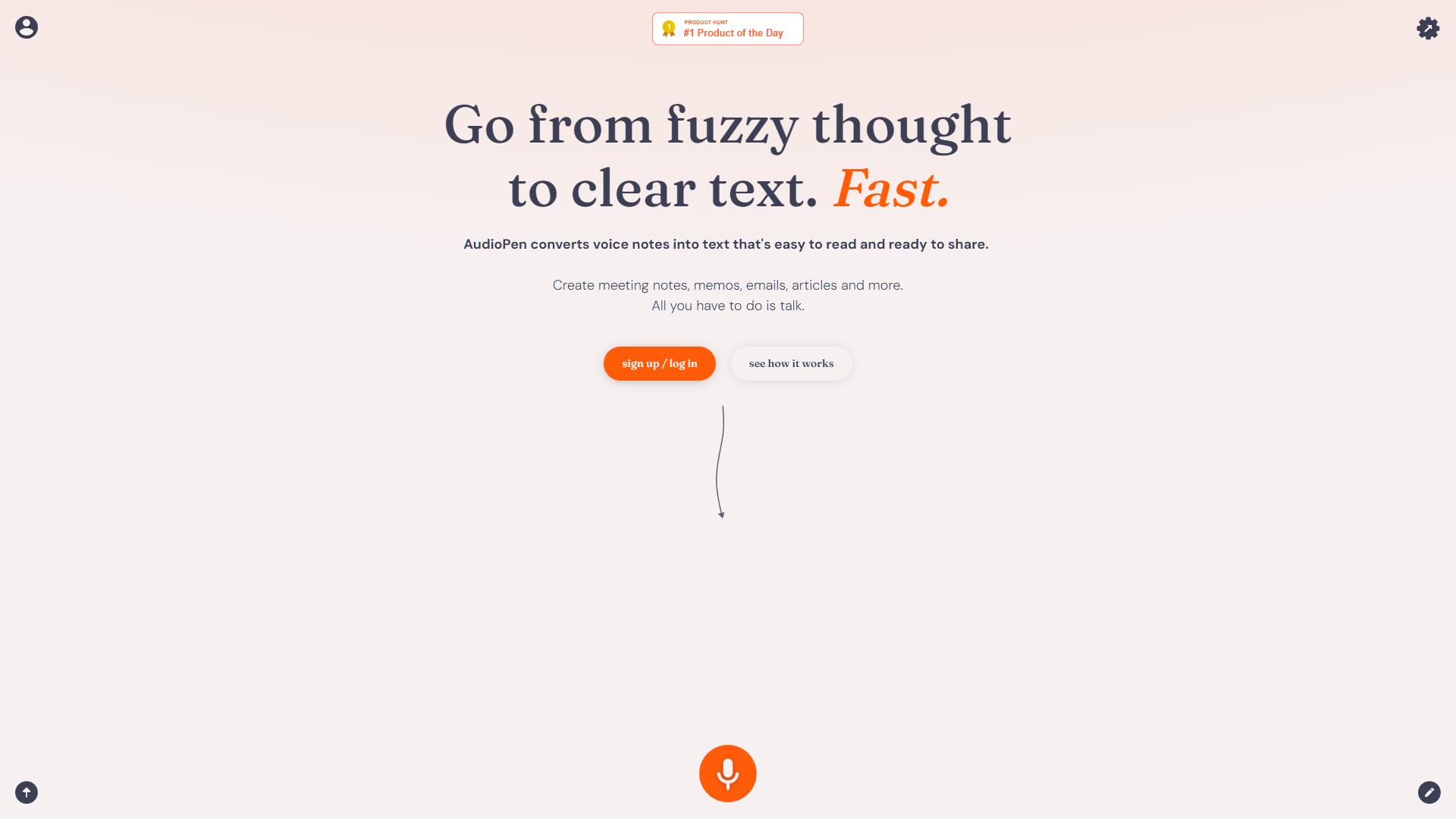
Overview
AudioPen is an innovative tool designed by Louis Pereira that transforms spoken words into precise, editable text, revolutionizing the way individuals compile notes and documents. This application is particularly beneficial for those who find traditional note-taking challenging, such as stroke survivors, or professionals like writers and entrepreneurs seeking efficiency in their creative and business processes. AudioPen excels in transcribing voice notes into clear text and summarizing audio content from meetings or calls, enhancing productivity and content generation.
The app is celebrated for its user-friendly interface and robust features, including support for multiple languages and a unique "write like me" function, which mimics the user's writing style to minimize editing time. These features ensure that the transcriptions are not only accurate but also closely reflect the user's personal tone and style. Additionally, the ability to provide instant feedback on the transcribed text helps users refine their outputs on the go.
AudioPen has been acknowledged as a game-changer, aiding users in capturing fleeting ideas, organizing thoughts effortlessly, and improving overall writing workflows. Its impact on enhancing creativity and streamlining daily routines makes it a highly recommended tool for anyone looking to boost their productivity and creative output.
Pros
- Real-time transcription
- Audio file compatibility
- Collaborative editing
- Secure data handling
- Custom vocabulary addition
Cons
- Accuracy in noisy environments
- Contextual misunderstanding
- Dependency on internet
- Limited customization options
- Processing speed variability
Key features
Voice to text conversion
Automatically transcribes spoken words into clear, editable text, ideal for creating documents from voice notes efficiently.
Summarization tool
Quickly condenses long recordings into concise summaries, perfect for capturing the essence of meetings and discussions.
Multi-language support
Offers transcription and summarization in multiple languages, enhancing its usability for non-native English speakers.
Write like me feature
Learns your writing style to produce text that requires minimal editing, saving time and maintaining personal tone.
User-friendly interface
Designed with simplicity in mind, making it easy for anyone to start using the tool without a steep learning curve.
Feedback provision
Not only transcribes but also provides suggestions for improving the clarity and impact of your written communications.
Alternative Ai Content Generator tools
Explore other ai content generator tools similar to AudioPen





FAQ
Here are some frequently asked questions about AudioPen.
How does AudioPen help stroke survivors with note-taking?
AudioPen simplifies note-taking by converting spoken words into text, making it easier for stroke survivors to create and edit notes without typing.
What languages does AudioPen support for transcription?
AudioPen supports multiple languages, allowing users from various linguistic backgrounds to transcribe and summarize spoken content accurately.
Is AudioPen suitable for professional writers and entrepreneurs?
Yes, AudioPen is ideal for writers and entrepreneurs as it enhances productivity by quickly transforming spoken ideas into structured, editable text.
How does AudioPen enhance creativity for its users?
By efficiently transcribing and organizing spoken content, AudioPen allows users to focus more on creative processes and less on the mechanics of writing.
Can AudioPen transcribe meetings and summarize the content?
Yes, AudioPen can transcribe audio from meetings and provide summaries, helping users capture and review important information efficiently.
How does the "write like me" feature in AudioPen work?
The "write like me" feature in AudioPen analyzes your writing style and mimics it in transcriptions, reducing the need for extensive edits and maintaining personal tone.
How user-friendly is the AudioPen interface?
AudioPen boasts a user-friendly interface that makes it easy for anyone to start transcribing and summarizing audio content without a steep learning curve.
Can I provide feedback on the transcriptions generated by AudioPen?
Yes, AudioPen enables instant feedback on transcriptions, allowing users to refine and perfect their documents on the go.







