

Mindsmith
Creative eLearning content management and generation platform.
Visit Website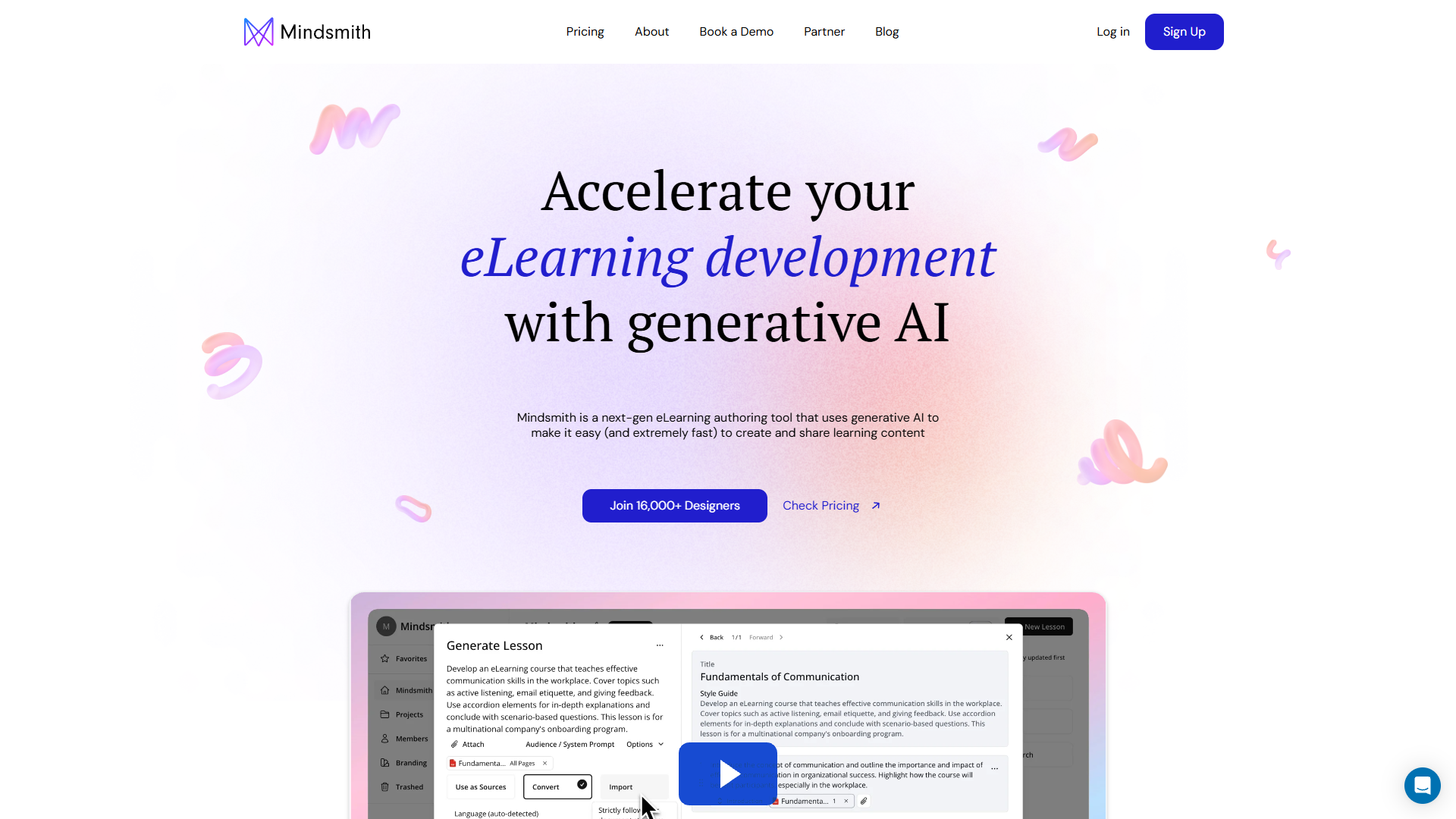
Overview
Mindsmith is an advanced eLearning platform that enables users to create, manage, and share educational content efficiently. Its robust features are tailored to meet the diverse needs of eLearning developers, from individuals to teams working on substantial educational projects.
The platform stands out with its AI-powered lesson assistant and a wide array of customizable options, including themes and branding features. Users can create an unlimited number of lessons and utilize SCORM for exporting dynamic eLearning modules. Sharing content is made easy through various channels, such as email, SMS, or embedding on websites.
With Mindsmith, users have access to a top-tier GPT-4 model for advanced lesson generation and a comprehensive analytics suite to track lesson performance. The platform supports smooth collaboration with features such as real-time editing and multi-language capabilities. Mindsmith also ensures reliable customer support, offering different levels of service based on the chosen plan.
Pros
- Dynamic content sharing
- Extensive branding tools
- Robust analytics features
- Multi-language support
- Comprehensive support options
Cons
- Limited advanced permissions
- Complex feature navigation
- Potential learning curve
- Lacks offline capabilities
- Customization limitations
Key features
AI lesson assistant
The AI lesson assistant simplifies the creation process, offering tailored suggestions and enhancements to improve educational content efficiency and effectiveness.
Unlimited lesson creation
Users have the freedom to create an unlimited number of lessons, accommodating various content development needs without restriction.
SCORM module export
Exporting options allow users to generate dynamic eLearning modules in widely recognized formats like SCORM, ensuring compatibility and ease of access.
GPT-4 model integration
Integration with the GPT-4 model enables high-quality content generation, providing users with advanced tools to enhance lesson creation efficiently.
Real-time collaboration
Mindsmith supports real-time lesson collaboration, allowing multiple users to work on content simultaneously, enhancing teamwork and productivity.
Company Information
Alternative Ai Content Generator tools
Explore other ai content generator tools similar to Mindsmith






FAQ
Here are some frequently asked questions about Mindsmith.
Can I change my plan later?
Yes, Mindsmith allows users to change their plans as their needs evolve. Users can simply contact customer support or access their account settings to make adjustments to their subscription, ensuring the flexibility to scale with changing requirements.
Do I have to install anything to use Mindsmith?
No installation is needed to use Mindsmith since it is a web-based platform. Users simply access the platform through their browser, streamlining the process and eliminating the need for additional software or downloads.
How does Mindsmith ensure data security?
Mindsmith takes data security seriously by employing industry-standard encryption protocols and maintaining regular security audits. This commitment ensures users’ data and content remain protected against unauthorized access, providing peace of mind for all users.
What customization options are available in Mindsmith?
Mindsmith offers extensive customization options, including the ability to add logos and themes. These features allow users to tailor the look and feel of their educational content to align with their branding and design preferences effectively.
What is your cancellation policy?
Mindsmith offers a user-friendly cancellation policy. Users can cancel their subscription at any time through their billing portal. Upon cancellation, access to premium features will continue until the end of the billing cycle, ensuring no abrupt service interruption.
What support options are available with Mindsmith?
Mindsmith provides varying support levels based on the selected plan. Basic chat and email support are available under the free and Professional plans, while personalized support is offered for team users to ensure prompt and effective issue resolution.
Is it possible to collaborate with team members on Mindsmith?
Yes, Mindsmith supports real-time collaboration, allowing multiple users to edit lessons simultaneously. This feature enhances teamwork and productivity by enabling seamless, interactive content development among team members.
Can Mindsmith content be accessed offline?
Currently, Mindsmith does not offer offline capabilities. Users need an internet connection to access and manage their content. All features are optimized for online use, ensuring a comprehensive and straightforward experience without offline support.







