

ChatGPT for Youtube
Free Chrome extension, instant YouTube video summaries.
Visit Website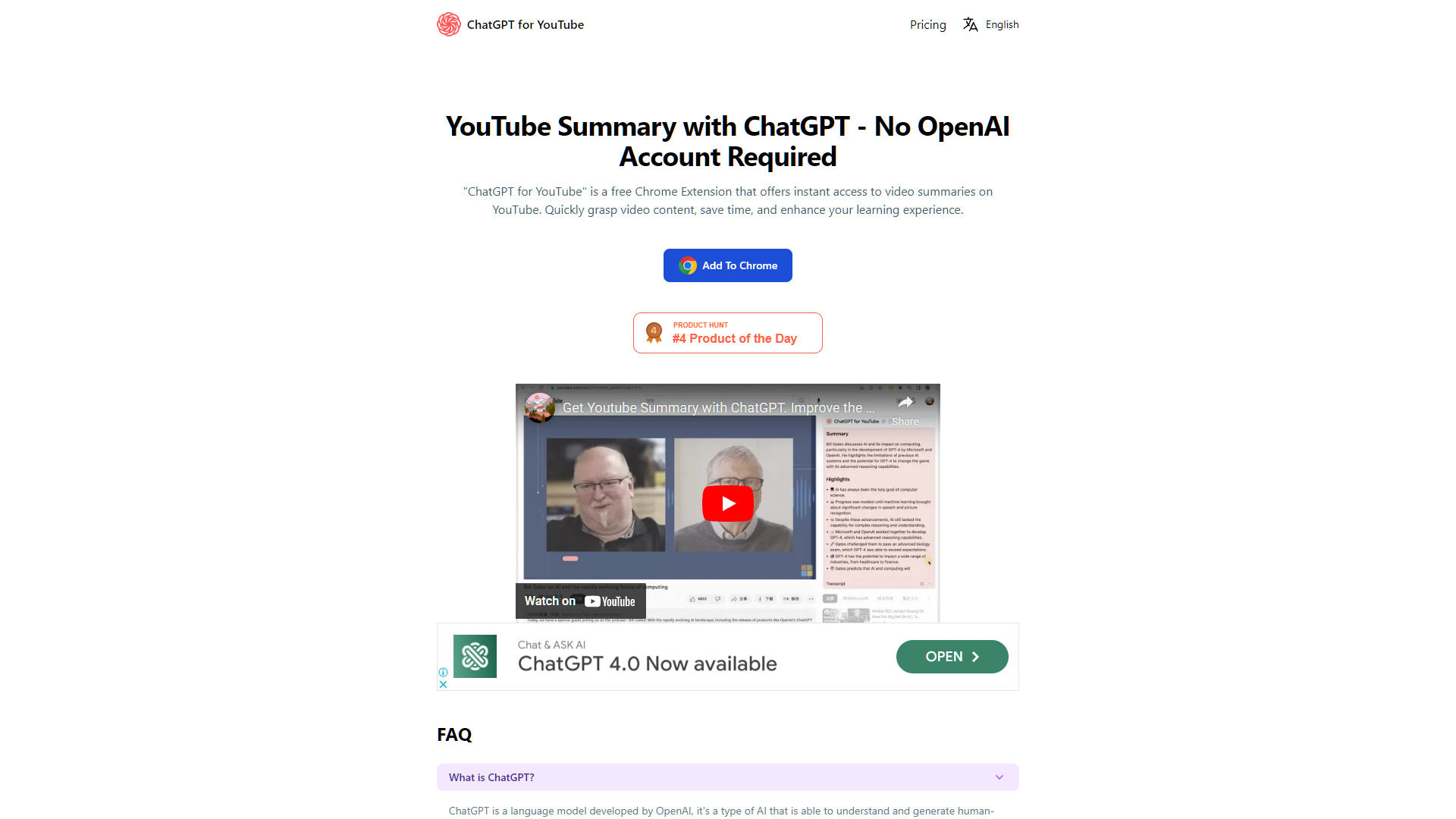
Overview
The "ChatGPT for YouTube" Chrome Extension revolutionizes the way users interact with video content on YouTube. This innovative tool leverages the advanced capabilities of ChatGPT, a cutting-edge language model developed by OpenAI, to provide concise and accurate summaries of YouTube videos. With this extension, users can quickly understand the essence of a video, significantly saving time and enhancing their learning process.
Ideal for students, researchers, and anyone looking to streamline their YouTube experience, the extension is user-friendly and requires no prior account with ChatGPT. It offers seven free summary quotas each week, making it accessible to casual users. For those who require more frequent use, there is an option to purchase additional quotas or subscribe to a pro version, which can be cancelled at any time for flexibility.
Installation and use are straightforward, and for any inquiries or further information, users can easily reach out via the provided email or visit the extension's website. Whether for educational purposes, personal interest, or professional use, "ChatGPT for YouTube" is an essential tool for efficient video consumption and content understanding.
Pros
- Enhanced comprehension
- Customizable summary length
- Language support
- Integration capabilities
- Accessibility features
Cons
- Summary accuracy concerns
- Limited video compatibility
- Dependence on video quality
- No personalized settings
- Language limitations
Key features
Instant video summaries
Utilizes ChatGPT to provide concise summaries of YouTube videos, helping users quickly understand content without watching the entire video.
Time-saving tool
Designed to enhance productivity by reducing the time spent watching lengthy videos, ideal for learners and researchers.
Free access with quotas
Offers 7 free summary quotas per week, allowing users to test the service before committing to a paid subscription.
Flexible subscription options
Users can purchase additional quotas or subscribe to a pro version for extended access and features.
No account required
Easy to use without the need for a ChatGPT account, making it accessible for anyone with a Chrome browser.
Easy cancellation
Subscriptions can be cancelled at any time, providing flexibility and control over the service usage.
Alternative Ai Content Generator tools
Explore other ai content generator tools similar to ChatGPT for Youtube





FAQ
Here are some frequently asked questions about ChatGPT for Youtube.
How do I install the ChatGPT for YouTube Chrome Extension?
You can install the extension by visiting the Chrome Web Store, searching for "ChatGPT for YouTube," and clicking the 'Add to Chrome' button.
Can I use the ChatGPT for YouTube extension without a ChatGPT account?
Yes, the extension does not require a ChatGPT account or any prior setup with OpenAI to be used.
What should I do if I need more than seven summaries per week?
You can purchase additional summary quotas or subscribe to the pro version of the ChatGPT for YouTube extension for unlimited access.
Who can benefit from using the ChatGPT for YouTube Chrome Extension?
The extension is ideal for students, researchers, and anyone looking to save time and enhance their learning process on YouTube.
Is the ChatGPT for YouTube extension free to use?
Yes, the extension offers seven free summary quotas each week. Additional quotas can be purchased or you can subscribe to the pro version.
How does the ChatGPT for YouTube help in understanding video content?
The extension provides concise, accurate summaries of YouTube videos, helping you grasp the essence of the content quickly and efficiently.
How can I cancel my subscription to the pro version of ChatGPT for YouTube?
You can cancel your subscription at any time by accessing your account settings on the extension's website or contacting support via email.
Where can I get support or more information about the ChatGPT for YouTube extension?
For support or more information, you can reach out via the email provided on the extension's website at https://chatgpt4youtube.com/.







