
WPCode
WPCode is a powerful WordPress code management plugin for easy code snippets.
Visit Website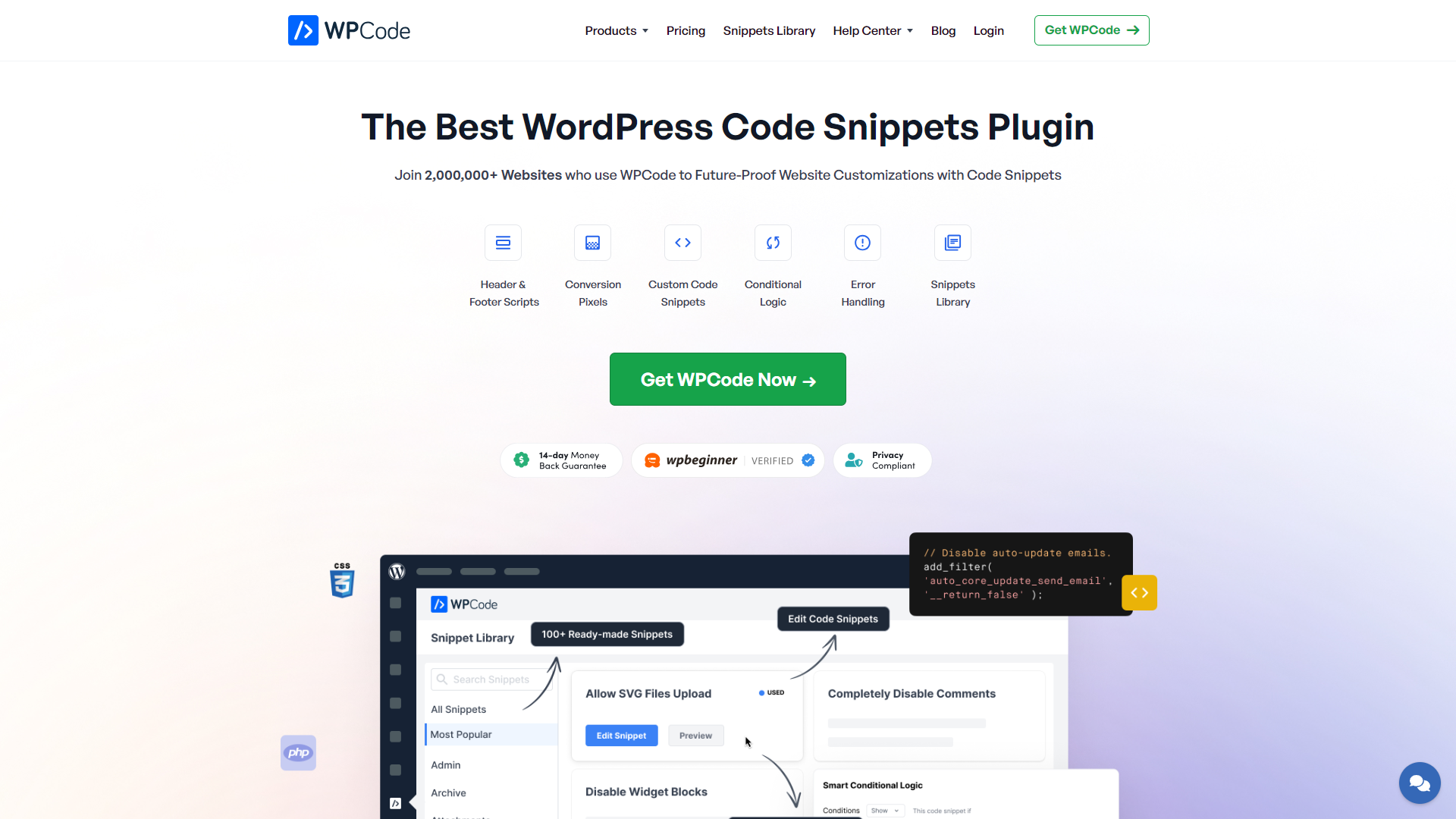
Overview
WPCode is a versatile plugin designed for WordPress users who want to add custom code snippets without coding knowledge. With its user-friendly interface, it allows you to manage PHP code, HTML, CSS, and JavaScript snippets seamlessly. This helps enhance your website's functionality and design without the hassle of complex coding processes.
One of the standout features of WPCode is its ability to safely insert code snippets without editing theme files. This means you can add functionality while keeping your website secure and upgradable. Additionally, WPCode offers pre-built code snippets, making it easy for beginners to add commonly used features with just a click.
Overall, WPCode simplifies the process of code management in WordPress, making it suitable for both beginners and experienced developers. With its comprehensive documentation and support, users can feel confident in using WPCode to customize their websites effectively.
Pros
- Easy to Use
- No Coding Required
- Improves Site Performance
- Great Support
- Safety First
Cons
- Limited Free Version
- Learning Curve for Advanced Features
- Dependency on Plugin Updates
- May Conflict with Other Plugins
- Customization Limitations
Key features
User-Friendly Interface
WPCode provides an intuitive dashboard that allows users to add and manage code snippets easily.
Safe Code Insertion
It inserts code snippets safely, preventing issues during theme updates.
Pre-built Snippets Library
Users can access a library of pre-built snippets to add common functionalities quickly.
Conditional Logic
WPCode offers options to display snippets based on specific conditions, enhancing customization.
Import/Export Functionality
Users can import or export snippets easily, making it simple to transfer between sites.
Custom Snippet Labels
Label your snippets for easy identification, helping you keep track of your codes.
Syntax Highlighting
The plugin features syntax highlighting for better code readability and editing.
Regular Updates
WPCode is regularly updated to stay compatible with the latest WordPress versions and security standards.
Rating Distribution
Company Information
User Reviews
View all reviews on G2Alternate way to add php code without editing your .php file
What do you like best about WPCode?
I don't need to access the FTP to add any custom code in my site, specially if it's just a minor script for addon or some third party feature like meta pixel
What do you dislike about WPCode?
you need to be careful to not reuse the same variable or parameter name...
Alternative Ai Code Generation tools
Explore other ai code generation tools similar to WPCode






FAQ
Here are some frequently asked questions about WPCode.
What is WPCode?
WPCode is a WordPress plugin that helps users manage and insert custom code snippets easily.
Can I use WPCode without coding knowledge?
Yes, WPCode is designed for everyone, including those with no coding skills.
Is it safe to use code snippets?
Yes, WPCode inserts snippets safely to prevent issues during updates.
Are there pre-built snippets available?
Yes, WPCode provides a library of pre-built snippets for common tasks.
How can I import or export snippets?
WPCode allows you to easily import or export your snippets in a few clicks.
What if I encounter issues while using WPCode?
WPCode offers great customer support to help resolve any issues.
Will WPCode slow down my website?
No, WPCode is optimized for performance, and well-managed snippets can actually improve site speed.
Is there a premium version of WPCode?
Yes, WPCode offers a premium version with additional advanced features for more experienced users.







