

Overview
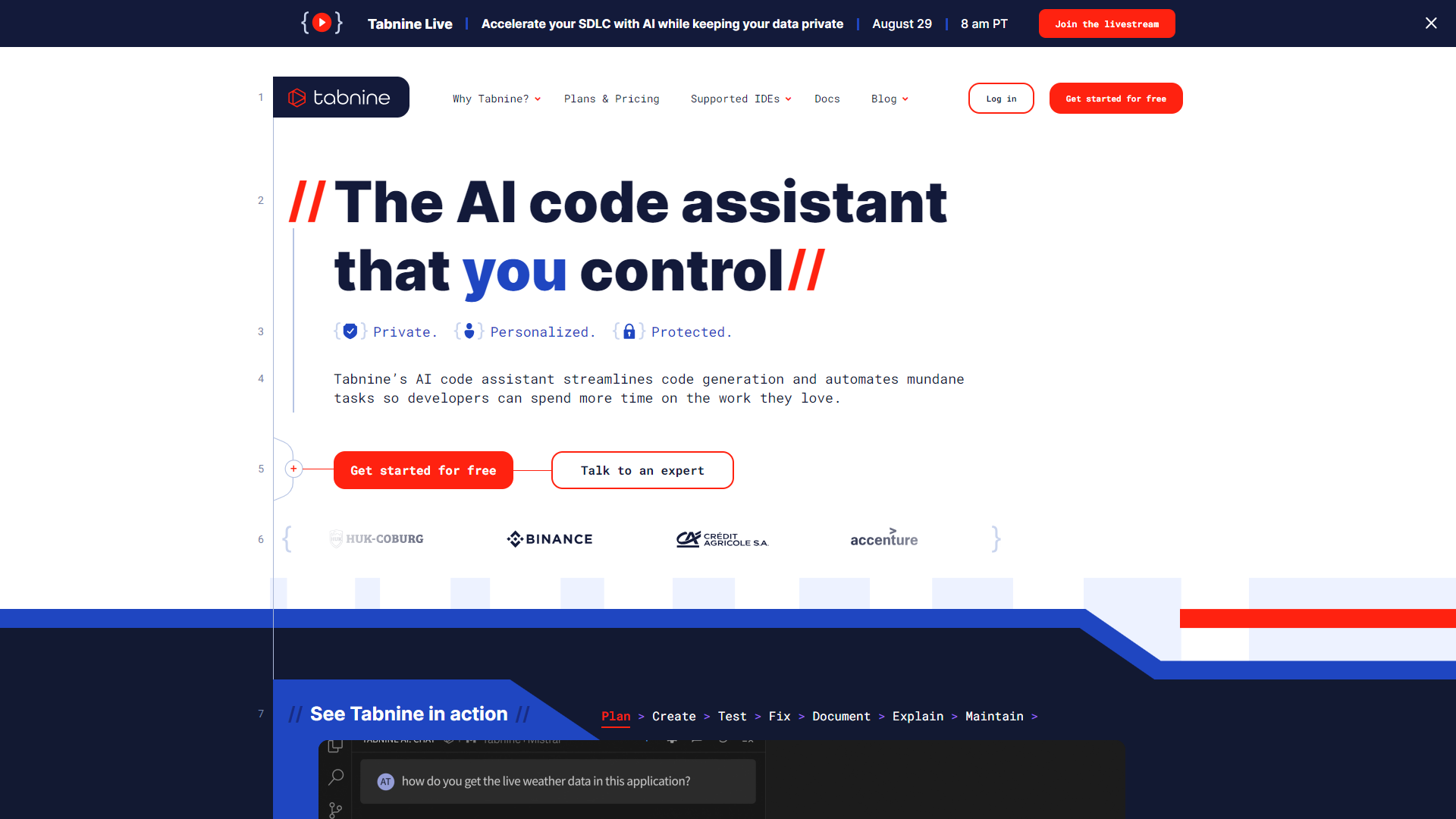
Tabnine is an AI-powered code completion tool designed for software developers. It uses machine learning to offer intelligent code suggestions, helping you write code more quickly and efficiently. Whether you're a beginner or an experienced developer, Tabnine can enhance your coding experience by reducing time spent on repetitive tasks.
The tool supports multiple programming languages and integrates seamlessly with various code editors. This means you can use Tabnine in the environment you are most comfortable with. By analyzing your code patterns, it provides personalized suggestions that adapt to your style, making coding feel more intuitive.
Overall, Tabnine aims to boost your productivity. It minimizes the cognitive load of remembering syntax and functions, allowing you to focus on building better software. With its user-friendly approach and intelligent suggestions, Tabnine stands out as a valuable assistant for coders of all levels.
Pros
- Increases Speed
- User-Friendly
- Adaptable Learning
- Supports Collaboration
- Cross-Platform
Cons
- Subscription Costs
- Learning Curve
- Internet Dependency
- Limited Customization
- Occasional Errors
Key features
Smart Code Completions
Offers real-time suggestions based on the context of your code.
AI-Powered Predictions
Uses machine learning to learn from your code over time.
Multi-Language Support
Works with various programming languages including JavaScript, Python, Java, and more.
Integrates with Editors
Compatible with popular code editors like VS Code, IntelliJ, and others.
Team Training
Can be trained on your team’s codebase for tailored suggestions.
Code Snippet Insertion
Quickly inserts common code patterns or functions.
Offline Mode
Allows coding without an internet connection, ensuring productivity anywhere.
Security Features
Keeps your code private and does not store sensitive information.
Pricing
| Plan | Price | Description |
|---|---|---|
| Basic | Free (1 User Per Month) | A fully private Al coding assistant running locally on your machine |
| Pro (Free for 90 days) | $12.00 (1 User Per Month) | An AI coding assistant built for you and the way you work; great for individuals and small teams. |
| Enterprise | $39.00 (1 User Per Month) | An AI-powered development platform that’s completely private, secure and optimized for your business |
Rating Distribution
Company Information
Screenshots
User Reviews
View all reviews on G2TabNine is an AI-powered code completion tool that smartly integrates with various code editors.
What do you like best about Tabnine?
The best thing is since it runs on local PC, the task completion is extremely quick and there are teams options viz. search allows me to find relevant code snippets in my team's codebase directly in IDE and teams options helps analyze my team's codebase to provid...
Best AI Coding assistant where Security & privacy is a must
What do you like best about Tabnine?
The core reason about going towards using Tabnine is the security aspect. It is hard to have guarantees on companies that rely a lot on controlling whole ecosystems, even if they assure you they don't collect your data. We love the fact about being able to deploy...
Probably my most favourite code completion tool ever
What do you like best about Tabnine?
I am really amazed by how well it provides the anticipated code. Sometimes it suprises me especially during DSA practice, it identifies the problem including the time and space complexity limits and gives code accordingly
What do you dislike about Tabnine?
Somet...
Amazing Code Buddy
What do you like best about Tabnine?
Quickly Adapts to my Code style and formats, updating to accomodate for Variables and Functions I have defined. Quickly Extrapolates the direction your code is going and offers contextual suggestions.It has sped up my development time and helped me as I learn new...
Nice AI assistant within VS Code
What do you like best about Tabnine?
Increases productivity by suggesting as we type. I mean right from the time we start writing our first line of code, Tabnine comes into action. Not to say features like generating function definition based on function declarations. Works on local machine and so h...
Alternative Ai Code Generation tools
Explore other ai code generation tools similar to Tabnine






FAQ
Here are some frequently asked questions about Tabnine.
What is Tabnine?
Tabnine is an AI-powered code completion tool that helps developers write code more efficiently.
How does Tabnine work?
It provides code suggestions based on the context and patterns in your coding style.
Which programming languages does Tabnine support?
Tabnine supports various languages including JavaScript, Python, Java, and many others.
Can I use Tabnine offline?
Yes, Tabnine offers an offline mode that allows you to code without an internet connection.
Is Tabnine free?
Tabnine has a free version, but some advanced features may require a paid subscription.
How do I install Tabnine?
You can easily install Tabnine through your preferred code editor's extension marketplace.
Does Tabnine store my code?
No, Tabnine prioritizes your privacy and does not store any sensitive code data.
Can Tabnine work with my team?
Yes, Tabnine offers features for team collaboration and custom training on your codebase.







