

Stack Overflow for Teams
A powerful tool to help teams share knowledge and solve problems together.
Visit Website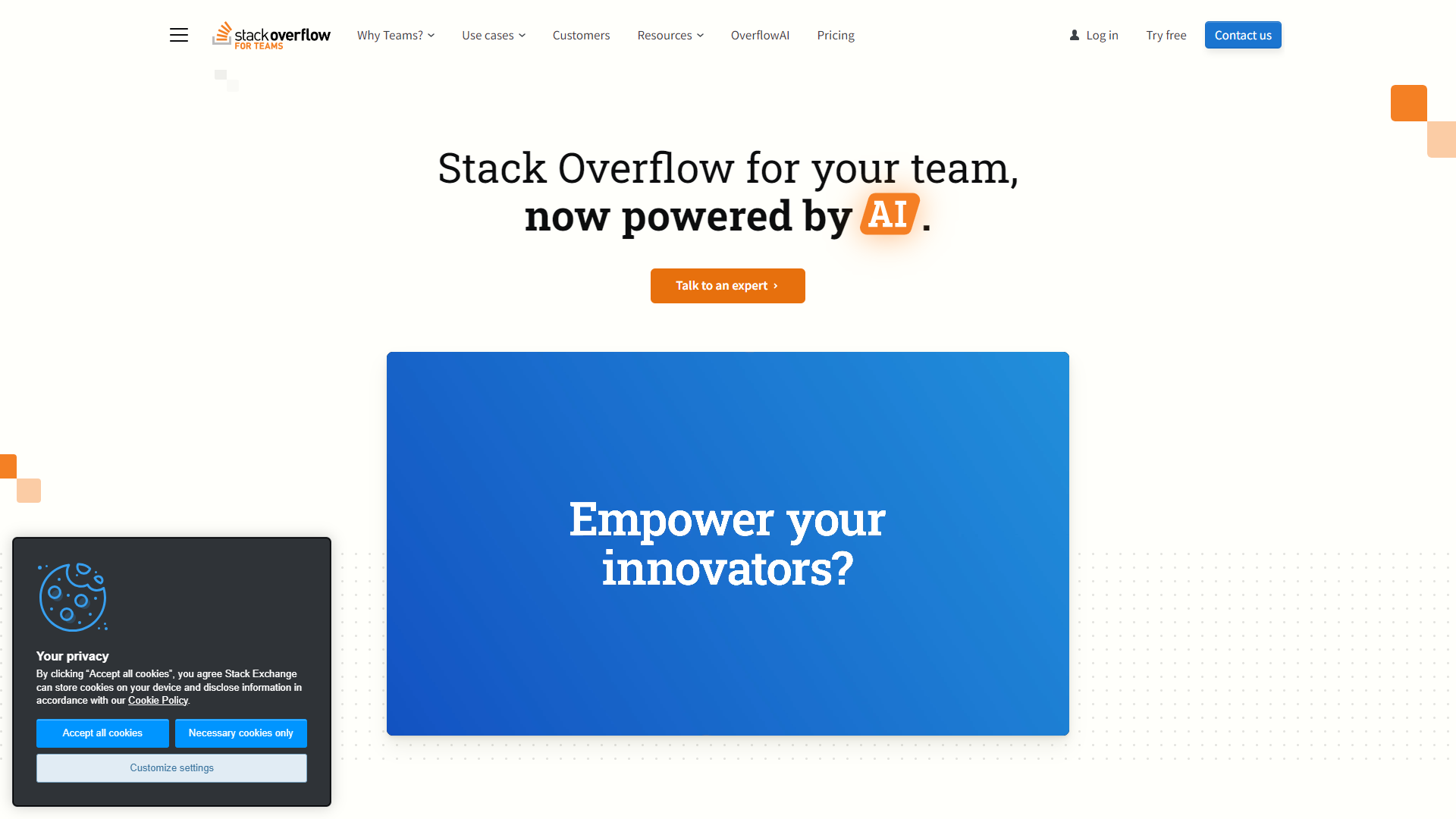
Overview
Stack Overflow for Teams is a private space for teams to ask questions, share knowledge, and collaborate effectively. It builds on the trusted foundation of Stack Overflow, making it easy for team members to find solutions quickly. With built-in features that encourage participation, teams can streamline their workflows and enhance communication.
The platform offers a user-friendly interface that helps people document knowledge and access it anytime. This helps to create a culture of sharing, allowing employees to learn from one another. Whether your team is remote or in the office, Stack Overflow for Teams supports collaboration from anywhere in the world.
Integrated with popular tools, Stack Overflow for Teams fits smoothly into your existing workflow. Organizations can customize their knowledge base and ensure that information stays within the confines of the team, providing security and privacy. Overall, it's an ideal solution for any team looking to improve knowledge sharing and productivity.
Pros
- Easy to Use
- Encourages Team Collaboration
- Access Control
- Built on Trusted Technology
- Flexible Integrations
Cons
- Cost
- Learning Curve for Advanced Features
- Limited Customization
- Potential Overwhelm
- Not Suitable for Every Team
Key features
Private Knowledge Base
Create a secure space where your team can store and share information without the noise of a public forum.
Search Functionality
Quickly find answers and documents with a powerful search tool that makes information retrieval easy.
Tagging System
Use tags to categorize questions and answers, making it simple to locate specific topics within your knowledge base.
Integration with Tools
Seamlessly connect with tools like Slack, Microsoft Teams, and Jira for improved workflow.
Customizable Permissions
Control who can see or contribute to the knowledge base with customizable permissions and access levels.
User Profiles
Make it easy to identify experts within your team through profiles that highlight contributions and expertise.
Analytics Dashboard
Track usage and engagement with an analytics dashboard to assess how well your team's sharing knowledge.
Mobile Access
Access your knowledge base from mobile devices, ensuring that team members can find solutions on-the-go.
Pricing
| Plan | Price | Description |
|---|---|---|
| Basic | $6.50 (1 Per Teammate Per Month) | Centralized knowledge and collaboration platform for small and growing teams. The Basic plan includes up to 250 teammates. |
| Business | $13.50 (1 Per Teammate Per Month) | For small and medium-sized businesses seeking advanced administrative tools. The Business plan includes unlimited teammates. |
| Enterprise | Contact Us | - |
| Free | Free | Free knowledge sharing and collaboration platform. The Free plan is always free for up to 50 teammates. No credit card required. |
Rating Distribution
Company Information
Screenshots
User Reviews
View all reviews on G2Excellent solution to centralize product questions
What do you like best about Stack Overflow for Teams?
Using Stack Overflow for Teams has allowed us to reduce the number of questions and support tickets that come to our product team and SME's by increasing the ability for people to self-service and answer their own questions. They can quickly and ...
Great enabler for knowledge sharing and support
What do you like best about Stack Overflow for Teams?
- We can find in Stack Overflow not only an FAQ written by one team (who might not necessarily know all the questions from the field), but actual question written by anyone corresponding to an actual need encountered on the field.
Each time there...
All the familiarity of StackOverflow in the organization's context - and more!
What do you like best about Stack Overflow for Teams?
The main benefits I see are:
- familiarity with StackOverflow - everybody knows what it is and how to use it,
- knowledge is not lost in Slack - and the Slack-SOfT integration also helps. Also, the same things are not repeatedly rediscovered, as ...
Great for Finding Information, But AI Features Should Be Included
What do you like best about Stack Overflow for Teams?
What I like best about Stack Overflow for Teams is how effortlessly it helps me find the information I'm looking for. The search functionality, combined with the robust tagging and categorization options, makes locating relevant answers and docum...
A One Stop Shop to Share Knowledge
What do you like best about Stack Overflow for Teams?
I like how it's a centralized location where everyone can share the knowledge they have collected over the years to help co-workers resolve issues that they are encountering.
What do you dislike about Stack Overflow for Teams?
The overall layout...
Alternative Ai Code Generation tools
Explore other ai code generation tools similar to Stack Overflow for Teams






FAQ
Here are some frequently asked questions about Stack Overflow for Teams.
What is Stack Overflow for Teams?
It's a private space for teams to ask questions and share knowledge.
How does it differ from public Stack Overflow?
Stack Overflow for Teams is private, allowing only team members to access the content.
Can we integrate it with other tools?
Yes, Stack Overflow for Teams integrates with tools like Slack and Microsoft Teams.
Is it secure?
Yes, the platform offers customizable permissions to control access to information.
What devices can I use it on?
You can access Stack Overflow for Teams on both computers and mobile devices.
Do I need special training to use it?
No, the interface is user-friendly and easy to navigate.
How do I create a new question?
Simply click on the 'Ask a Question' button and fill out the required details.
Can I customize the look and feel?
There are some customization options, but they are limited compared to other platforms.







