

Overview
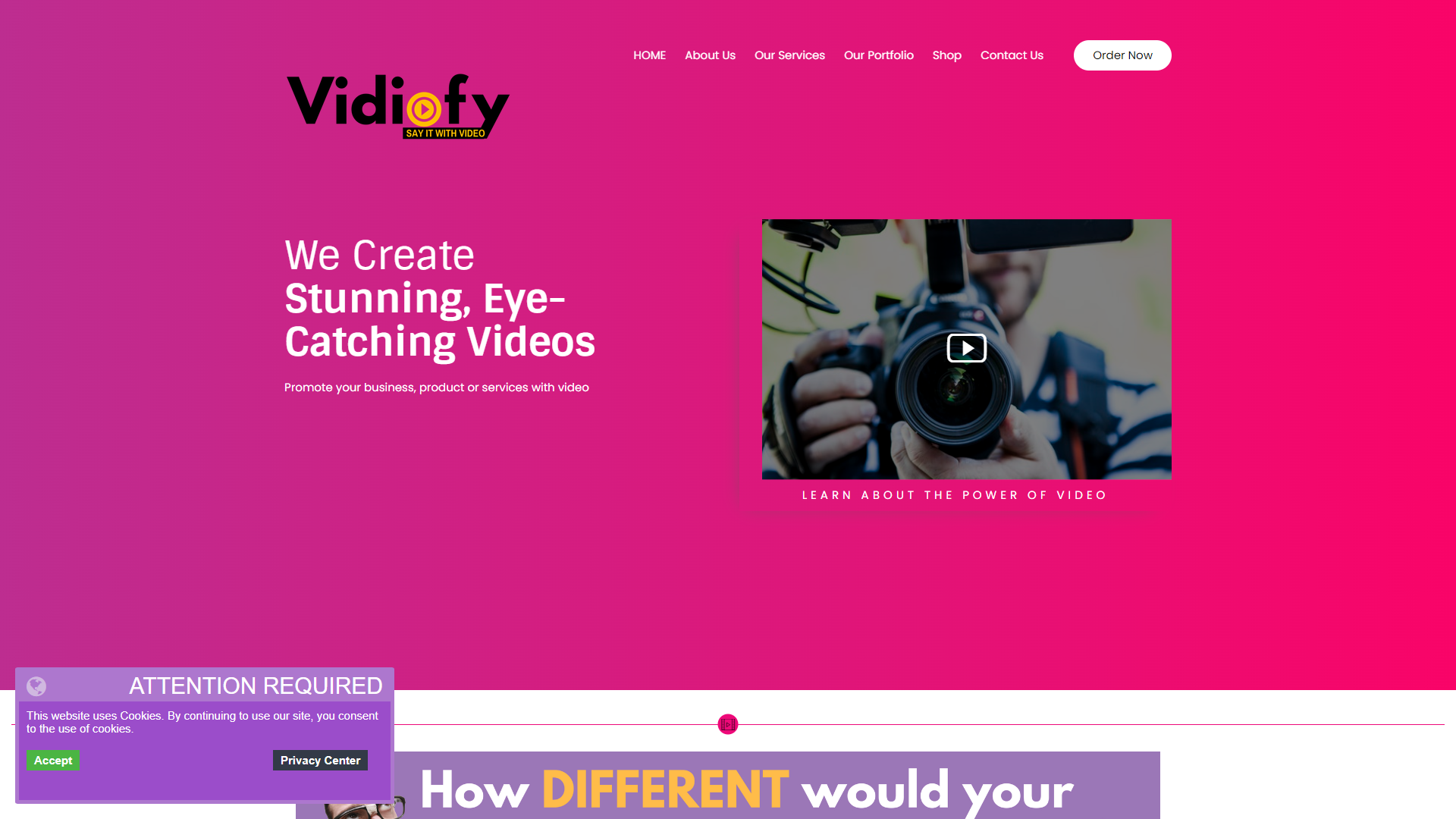
Vidiofy is a user-friendly video editing tool designed for everyone. It allows users to create and edit videos easily, regardless of their experience level. With its intuitive interface and powerful features, Vidiofy empowers both beginners and seasoned editors to produce professional-looking videos in no time.
The platform offers a wide range of tools and templates that help in crafting engaging videos. Whether you want to create personal vlogs, social media content, or promotional videos, Vidiofy has you covered. Its cloud-based system ensures you can access your projects from anywhere, making it a versatile choice in today's digital age.
Additionally, Vidiofy includes a library of music and sound effects, allowing you to enhance your videos with just a few clicks. The community of users also provides inspiration and support, which is a great advantage for those starting their video editing journey.
Pros
- Easy to Learn
- Versatile Features
- Affordable Pricing
- Fast Processing
- Regular Updates
Cons
- Limited Advanced Features
- Requires Internet
- Storage Limits
- Learning Curve for Some Features
- No Offline Editing
Key features
User-Friendly Interface
The simple layout makes it easy for anyone to start editing right away.
Cloud-Based Access
Edit your videos from anywhere, on any device, without losing your progress.
Templates and Themes
Choose from a variety of templates to give your videos a professional look.
Music Library
Access a huge library of royalty-free music and sound effects to enhance your videos.
Text Overlays
Add custom text to your videos for titles, captions, or details easily.
Sharing Options
Quickly share your finished videos to social media or download them for personal use.
Editing Tools
Use basic and advanced editing tools like trimming, cutting, and filters to refine your video.
Community Support
Benefit from a supportive community where you can share ideas and get help.
Rating Distribution
Company Information
Screenshots
User Reviews
View all reviews on G2Fast, intuitive, and dynamic
What do you like best about Vidiofy?
It is very easy to use, with a few steps you achieve a great result, and you have several options to choose from where to extract the information to generate a video quickly but at the same time visually appealing. You have the option to adjust after having gener...
Review on Vidiofy
What do you like best about Vidiofy?
It makes video creation very easy and user-friendly. Might become more usefull for the beginners. Its has more f templates and intuitive interface which allow users to quickly produce high-quality content without needing any advanced editing skills. The feauture...
Alternative Text To Speech tools
Explore other text to speech tools similar to Vidiofy





FAQ
Here are some frequently asked questions about Vidiofy.
What kind of videos can I create with Vidiofy?
You can create personal vlogs, social media clips, promotional videos, and much more.
Is Vidiofy suitable for beginners?
Yes! Vidiofy is designed to be easy to use, even for those with no prior experience in video editing.
Are there any subscription fees?
Yes, Vidiofy offers several subscription plans, including a free trial for new users.
Can I access Vidiofy on my phone or tablet?
Yes, Vidiofy is cloud-based, meaning you can access it on various devices with internet connectivity.
Does Vidiofy offer customer support?
Absolutely! They have a support team and a community forum to assist users.
Are there limits to video length?
Video length limits may depend on your subscription plan, so check the details for your plan.
Can I import my own music?
Yes, you can upload your own music and use it in your videos.
Is there a mobile app for Vidiofy?
Currently, Vidiofy is primarily web-based, but it can be accessed on mobile devices through browsers.







