

Overview
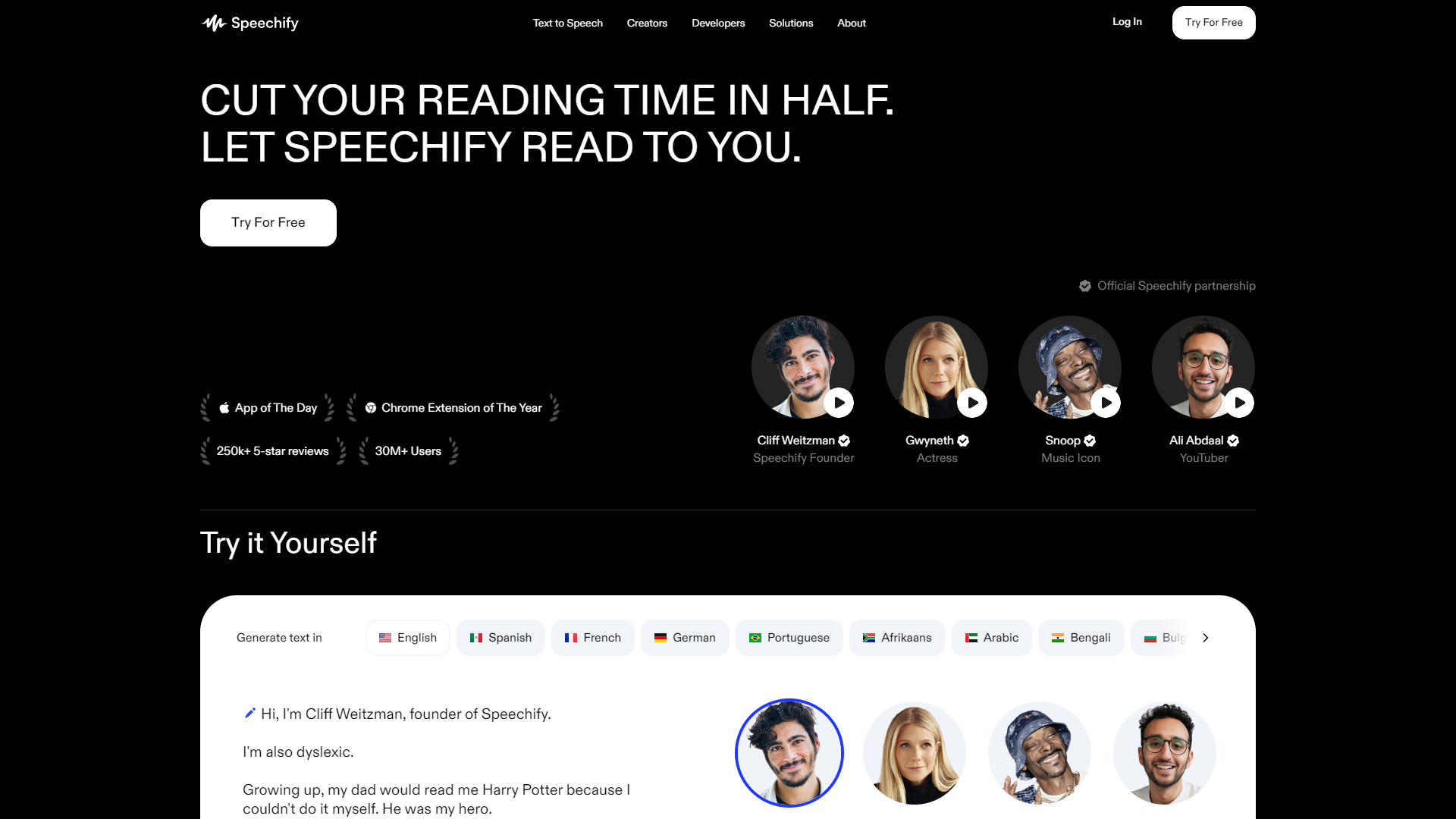
Speechify Voice Over Studio is designed to make voice recording easy and accessible for everyone. Whether you are a content creator, educator, or business professional, this studio allows you to produce high-quality audio without the need for expensive equipment. The user-friendly interface gives you the tools you need to record, edit, and export your voiceovers quickly.
With advanced text-to-speech technology, Speechify can turn written text into spoken words with natural-sounding voices. You can customize your recordings with different voice options and adjust the speed to match your style. This flexibility makes it a great choice for a variety of projects, from podcasts to educational videos.
In addition to creating voiceovers, Speechify Voice Over Studio also helps you enhance your audio. You can add background music, sound effects, and make precise edits to ensure your final product is polished and professional. It's a complete package for anyone looking to elevate their audio content.
Pros
- Affordable Pricing
- Time-Saving
- Versatile Usage
- Regular Updates
- Strong Support Community
Cons
- Limited Free Version
- Internet Required
- Learning Curve
- Voice Selection Options
- Occasional Bugs
Key features
High-Quality Sound
Offers top-notch audio quality suitable for professional use.
Text-to-Speech
Convert written text into natural-sounding speech effortlessly.
Voice Customization
Choose from various voices and accents to fit your needs.
Easy Editing Tools
Simple interface for cutting, trimming, and enhancing audio.
Background Music Addition
Easily add music or sound effects to your projects.
Speed Adjustment
Control the speed of voice playback to match your content style.
Export Options
Save your recordings in multiple formats for easy sharing.
User-Friendly Interface
Designed for users of all skill levels to navigate easily.
Rating Distribution
Company Information
Screenshots
User Reviews
View all reviews on G2No need to talk yourself when Speechify can take care of it for you
What do you like best about Speechify Voice Over Studio?
Just give the text, get the voice over, apply any settings and customize the voice as needed
What do you dislike about Speechify Voice Over Studio?
Limited voice sellcetions maybe problematic. Voice settings can be more comprehensive to allow...
YouTube video makeing
What do you like best about Speechify Voice Over Studio?
Easy to use and fast editing make it a good product
What do you dislike about Speechify Voice Over Studio?
Lower voice available in Hindi and other languages which reduces it's use for other countries
What problems is Speechify Voice Over St...
Best tool for text to speech
What do you like best about Speechify Voice Over Studio?
Speechify Voice Over Studio is an incredibly convenient and user-friendly tool that has proven to be a valuable asset. It offers a seamless and hassle-free experience, making it incredibly easy to utilize. I found it to be an immensely helpful...
Quick, Seamless & Smart way to Simplify Voice Over
What do you like best about Speechify Voice Over Studio?
This has allowed me to move quickly through voice over projects, and make sure everything is 100% perfect before submitting. Gives User a feeling of peace of mind before submitting important work & allows us to get paid on time.
What do you d...
One of the best voiceover generator tool
What do you like best about Speechify Voice Over Studio?
One of the best features of Speechify Voice Over Studio was that they create human quality voice over for whatever content i provide to the software. I like this the most.
What do you dislike about Speechify Voice Over Studio?
One of the grea...
Alternative Text To Speech tools
Explore other text to speech tools similar to Speechify Voice Over Studio





FAQ
Here are some frequently asked questions about Speechify Voice Over Studio.
What is Speechify Voice Over Studio?
It is a software tool for creating professional voiceovers and audio recordings easily.
Can I use Speechify for free?
Yes, there is a free version, but it has limited features.
What types of voices are available?
Speechify offers a variety of voices and accents to choose from.
Is it easy to edit my recordings?
Yes, the editing tools are user-friendly and intuitive.
Do I need special equipment to use it?
No, you can use it with just a computer or mobile device and a microphone.
Can I add music to my voiceovers?
Absolutely! You can easily add background music and sound effects.
How can I export my recordings?
You can export your recordings in various formats, such as MP3 or WAV.
Is there customer support available?
Yes, Speechify provides support and has a strong community for assistance.







