
Overview
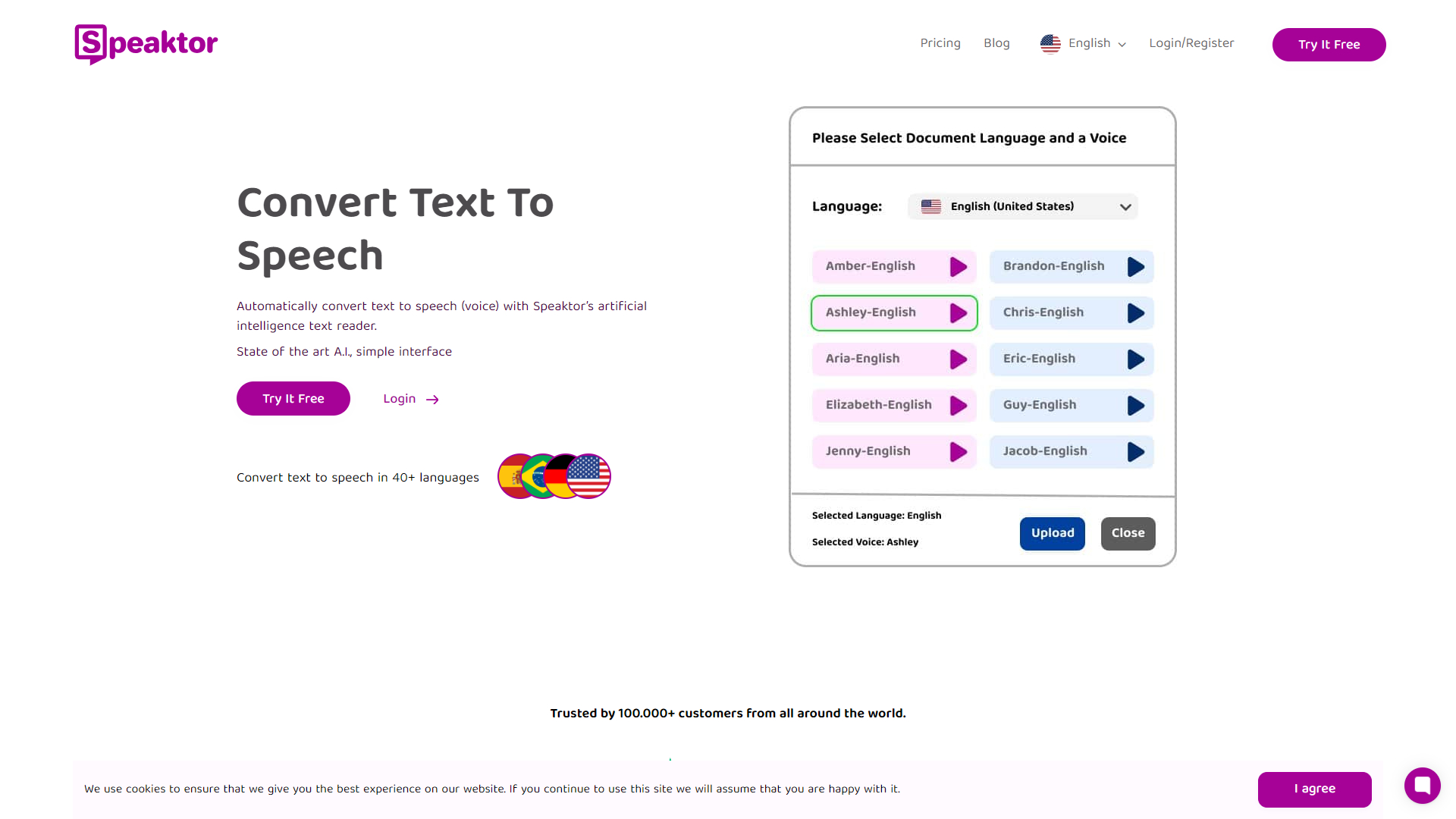
Speaktor is an innovative text-to-speech tool designed to help users convert written text into spoken words. Suitable for both personal and professional use, it caters to those who want to listen to articles, documents, or any other written content rather than reading them. With its user-friendly design and advanced technology, Speaktor allows individuals to multitask while still absorbing important information.
This tool is especially valuable in today's fast-paced world where time is of the essence. Users can listen to their favorite books, articles, or reports while driving, exercising, or performing daily chores. The voices are clear and natural, making it a pleasant experience for listeners.
Speaktor is not only beneficial for busy individuals but also for those with reading difficulties or visual impairments. By providing an auditory alternative to text, it promotes accessibility and inclusivity, enabling everyone to enjoy and consume information freely.
Pros
- Versatile Usage
- Accessibility
- High-Quality Voices
- Time Efficient
- Free Trial Available
Cons
- Limited Language Options
- Subscription Cost
- Privacy Concerns
- Internet Dependency
- Voice Variety
Key features
Natural Voice Options
Speaktor offers various voice choices that sound human-like, enhancing the listening experience.
Multi-Format Support
Users can upload different document types such as PDFs, Word files, and plain text.
Adjustable Speed
The speech speed can be customized, allowing listeners to control how fast they want the content read.
User-Friendly Interface
The platform is easy to navigate, making it accessible for users of all ages and tech skills.
Text Highlighting
As the text is read aloud, it is highlighted on the screen, making it easier to follow along.
Offline Mode
Speaktor can be used without an internet connection, ideal for users on the go.
Bookmarking Feature
Users can bookmark sections of their text to revisit later, providing a convenient way to manage large documents.
Free Trial Access
New users can experience Speaktor for free before committing to a subscription.
Rating Distribution
Company Information
User Reviews
View all reviews on G2Really nice page.
What do you like best about Speaktor?
I had been searching for a long time for a site that could read text aloud for me, and found limited options compared to the latest AI voices, and I kept getting old voices familiar from poor advertisements and such. But then I found sites, but there was a limit...
An incredible experience
What do you like best about Speaktor?
How easy it is to use the tool, intuitive and that the waiting times are incredibly short compared to other applications, definitely the best!
What do you dislike about Speaktor?
Add some spaces between words where it shouldn't, it's only in long sentences but ...
Alternative Text To Speech tools
Explore other text to speech tools similar to Speaktor





FAQ
Here are some frequently asked questions about Speaktor.
What is Speaktor?
Speaktor is a text-to-speech tool that converts written text into spoken words.
How can I upload documents to Speaktor?
You can easily upload various document types like PDFs and Word files directly on the platform.
Is there a free version of Speaktor?
Yes, Speaktor offers a free trial for new users to explore its features.
Can I adjust the reading speed?
Yes, you can customize the speech speed to suit your preference.
Does Speaktor support multiple languages?
Currently, Speaktor has limited language options, focusing mainly on popular languages.
Is there an offline mode available?
Yes, you can use Speaktor in offline mode for added convenience.
Can I bookmark text in Speaktor?
Absolutely! You can bookmark sections of text to easily revisit them later.
How is Speaktor beneficial for accessibility?
Speaktor provides an auditory option for those with reading difficulties or visual impairments, making information more accessible.







