

Overview
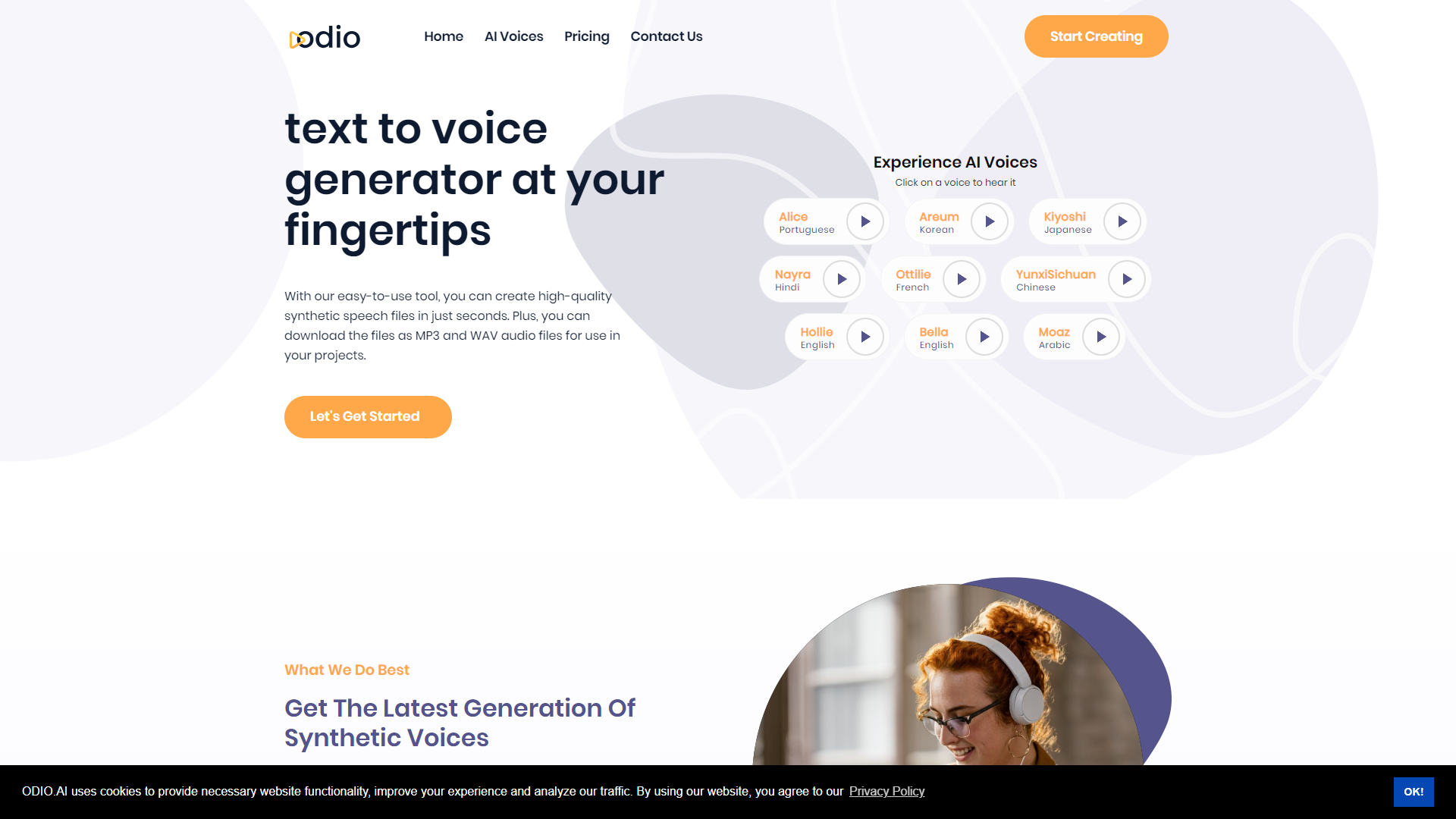
Odio.ai is designed to help users produce professional-sounding audio with ease. Whether you are a podcaster, content creator, or a business looking to enhance your audio offerings, this platform provides a simple way to get started. It utilizes advanced AI technology to streamline the entire audio production process, allowing even novice users to create high-quality content effortlessly.
The platform offers numerous features that cater to both individuals and businesses. With built-in editing tools, customizable sound profiles, and an intuitive interface, Odio.ai aims to make audio production as accessible as possible. Users can enjoy a range of audio templates, making it easier to find the right sound for their projects.
In addition to its user-friendly design, Odio.ai prioritizes efficiency. The AI-driven system not only speeds up the editing process but also ensures that the audio quality meets industry standards. This makes it a great choice for anyone looking to produce engaging audio content without spending too much time on technical adjustments.
Pros
- Easy to Use
- Time-Saving
- High-Quality Audio
- Great for Collaboration
- Diverse Features
Cons
- Limited Free Version
- Internet Dependence
- Subscription Cost
- Steep Learning Curve for Advanced Tools
- Inconsistent Updates
Key features
AI-Powered Editing
Odio.ai uses artificial intelligence to automatically edit and enhance audio files, making the process faster and easier.
User-Friendly Interface
Designed for all skill levels, the intuitive interface allows for quick navigation and simple controls.
Audio Templates
Choose from a variety of pre-built audio templates to speed up your project setup.
Sound Profiling
Customize sound settings to match your brand or personal style with ease.
Collaboration Tools
Work with team members seamlessly through shared projects and real-time feedback features.
Cross-Platform Support
Access Odio.ai from different devices without losing your work, making it flexible and convenient.
High-Quality Output
Produce audio that meets professional quality standards, perfect for broadcasting and publishing.
Extensive Library of Sounds
Gain access to a large database of sound effects and music tracks to enhance your projects.
Rating Distribution
Company Information
Screenshots
User Reviews
View all reviews on G2Solid TTS in a competitive area
What do you like best about Odio.ai?
It's easy to use and had a couple of good, realistic voices in English. I can easily record listening activities for my ESL students.
What do you dislike about Odio.ai?
It's basically the same as the rest; most voices aren't realistic enough.
What problems is O...
Like a real voice
What do you like best about Odio.ai?
The quality of the audio is excellent. They said, they use a special technology, name is state-of-the-art technology to generate audio that is indistinguishable from human speech.
What do you dislike about Odio.ai?
The audio files can be a bit choppy, especially...
Alternative Text To Speech tools
Explore other text to speech tools similar to Odio AI






FAQ
Here are some frequently asked questions about Odio AI.
What is Odio.ai?
Odio.ai is an AI-driven audio production tool designed to help users create high-quality audio content easily.
Who can benefit from using Odio.ai?
Content creators, podcasters, and businesses looking to enhance their audio offerings can all benefit from Odio.ai.
Is it difficult to use Odio.ai?
No, Odio.ai is designed with an intuitive interface, making it easy for beginners and experienced users alike.
Does Odio.ai have a free version?
Yes, Odio.ai offers a free version, but it has limited features compared to the paid plans.
Can I collaborate with others using Odio.ai?
Yes, Odio.ai includes tools for collaboration, allowing you to share projects and receive feedback from team members.
What types of audio can I create with Odio.ai?
You can create podcasts, music, sound effects, and other audio content suitable for various platforms.
Is there a mobile version of Odio.ai?
Currently, Odio.ai is primarily web-based, but you can access it from different devices with an internet connection.
What should I do if I encounter bugs?
If you face any issues, it's best to contact Odio.ai's support team for assistance.







