

Google Cloud Text-to-Speech
Transform text into spoken words with Google Cloud Text-to-Speech.
Visit Website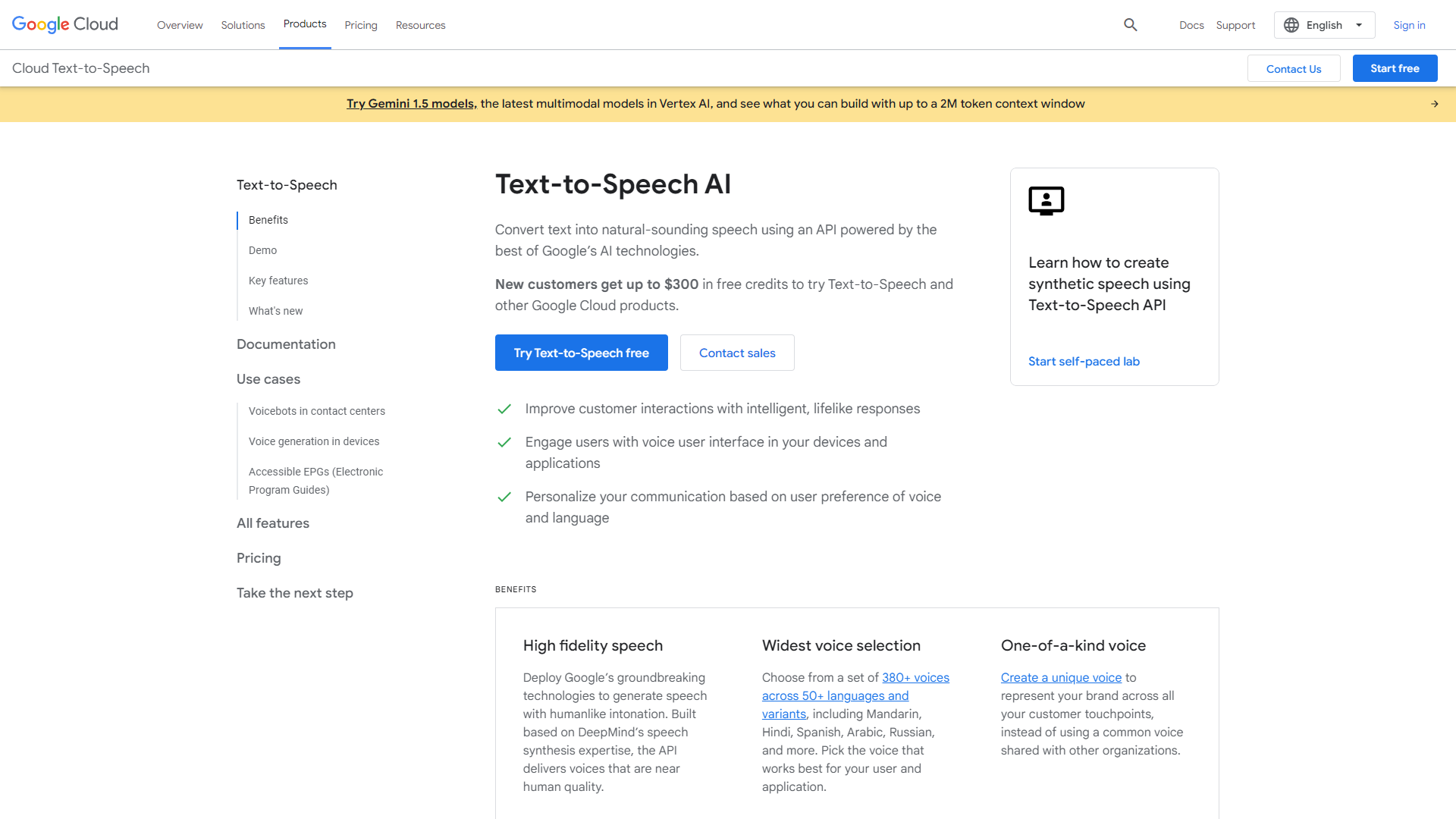
Overview
Google Cloud Text-to-Speech is a powerful tool that converts written text into realistic spoken audio. Whether you are creating an app, producing an audiobook, or designing a voice interface, this service offers a seamless way to incorporate speech into your projects. It utilizes advanced machine learning technology to ensure that the generated speech sounds natural and engaging.
With over 220 voices in more than 40 languages, Google Cloud Text-to-Speech caters to a wide range of users across different regions. This makes it suitable for global applications, as you can choose a voice that matches your target audience's preferences. You can also select from various speaking styles to add a unique touch to your audio.
Furthermore, the service allows for customization, letting you adjust speech speed and pitch. This flexibility means you can create audio outputs that fit specific needs, whether it’s a friendly tone for children or a professional voice for business applications. Google Cloud Text-to-Speech is an ideal solution for anyone looking to enhance user experience through spoken language.
Pros
- Wide Language Support
- High-Quality Voices
- Easy Integration
- Customizable Options
- Scalable
Cons
- Cost
- Internet Dependency
- Learning Curve
- Limited Free Tier
- Voice Selection
Key features
Multiple Voices
Offers over 220 voices across more than 40 languages, allowing for diverse usage.
Natural Sounding Speech
Utilizes advanced AI to produce audio that closely resembles human speech.
Voice Customization
Users can change the pitch, speed, and volume of the speech output.
SSML Support
Allows the use of Speech Synthesis Markup Language for sophisticated speech outputs.
Custom Voice Models
Create unique voices tailored to your brand or application needs.
Streaming Capability
Supports real-time streaming for live applications.
Audio Formats
Outputs speech in various audio formats, including MP3 and WAV.
Accessibility
Great tool for improving accessibility for visually impaired users.
Pricing
| Plan | Price | Description |
|---|---|---|
| Small-Business | N/A | - |
Rating Distribution
Company Information
User Reviews
View all reviews on G2Advanced text to speech features: Start with existing templates and customize
What do you like best about Google Cloud Text-to-Speech?
Though we are at this time using only on English, we are planning to add more multilingual features on our websites. The fact that more than 50 languages supported including Hindi and Bengali is a good news. Hundreds of male/ female voice tem...
Wide ecosystem of developers, startups, partners, trainers bringing the latest in AI
What do you like best about Google Cloud?
There is a wide ecosystem of developers, startups, partners, trainers who are closely associated with Google Cloud. For startups, Google for Startups program provides liberal Google Cloud credit (we availed 243.26 GBP valid for 2 years for our entity formed ...
Useful Google service
What do you like best about Google Cloud Text-to-Speech?
Text-to-speech is one ofe the most useful tool of Google Cloud tools. It has a lot of option, is easy to use, can be developed easily thanks to really open API, and the outpout is an high quality level voice, supporting multiple languages. fe...
Google Cloud Text-to Speech is the very outstanding software for the Developer
What do you like best about Google Cloud Text-to-Speech?
Google Cloud is the very intresting concept deveoped by the google , it very easy to use. for the new user it is free no cost i think after some limit need to pay as per the character. it very to integration and implementation for the develop...
Natural sounds, great software!
What do you like best about Google Cloud Text-to-Speech?
One of the most helpful things about Google cloud text-to-speech is that its voice quality, and the quality of speech are really refined and great. You can control, and change the speed, as per your requirement. Plus it is available in so many...
Alternative Text To Speech tools
Explore other text to speech tools similar to Google Cloud Text-to-Speech





FAQ
Here are some frequently asked questions about Google Cloud Text-to-Speech.
What is Google Cloud Text-to-Speech?
It is a service that converts text into spoken audio using advanced machine learning technology.
How many languages does it support?
It supports over 40 languages and dialects.
Can I customize the voice?
Yes, you can change the pitch, speed, and volume of the generated speech.
Is there a free tier available?
Yes, there is a limited free tier, but it may not cover extensive usage.
Can it be used for real-time applications?
Yes, it supports real-time streaming for live applications.
What audio formats can it output?
It can output in formats such as MP3 and WAV.
Is it easy to integrate with my app?
Yes, it has a simple API designed for easy integration into applications.
Are there any limitations?
Yes, it requires an internet connection to work and there may be costs associated with high usage.







