

Overview
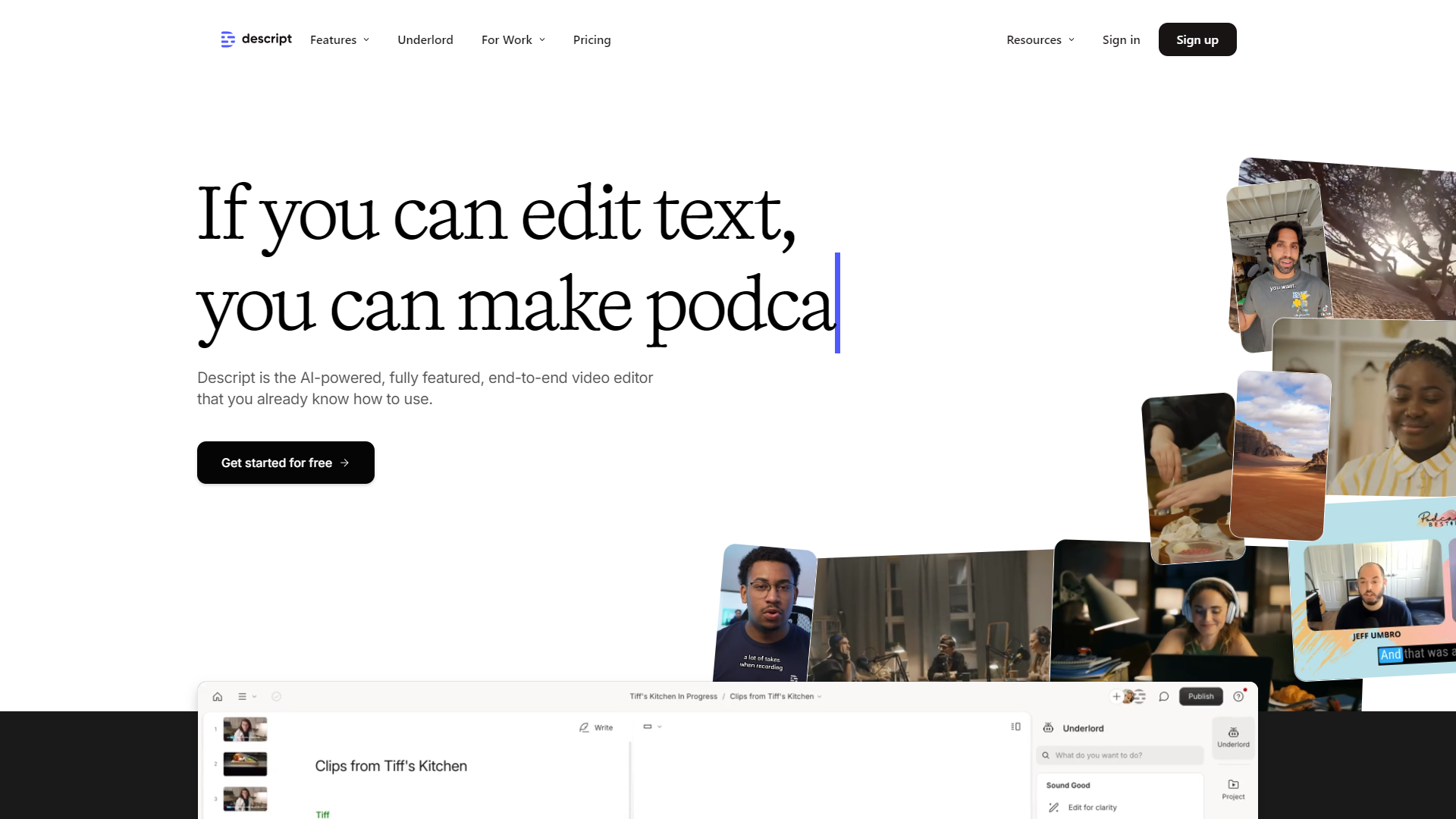
Descript is a powerful tool designed for everyone who works with audio and video. It offers a unique way to edit your content by using text as the primary interface. This means that you can edit your media files just like you would a document. It's a game-changer for podcasters, video creators, and anyone interested in producing rich media content.
With Descript, you can record, transcribe, and edit all in one application. The ability to remove filler words and make changes in the transcript directly reflects in the audio or video, saving you a lot of time and effort. It also includes features like overdubbing and screen recording, making it a complete package for creators.
The platform is designed to be intuitive and user-friendly, which is great for beginners. However, it also offers advanced tools for professionals who need more control over their projects. Overall, Descript is a versatile tool that caters to both new and experienced content creators.
Pros
- User-Friendly Interface
- Time-Saving
- All-in-One Solution
- Collaboration Features
- Flexible Output
Cons
- Limited Free Version
- Learning Curve
- Occasional Bugs
- Requires Internet
- Subscription Cost
Key features
Text-Based Editing
Edit audio and video by modifying the text transcript.
Overdub
Create voiceovers by typing text, using your voice or a generated one.
Filler Word Removal
Automatically eliminate umms and ahhs from your recordings.
Screen Recording
Capture your screen along with audio for tutorials and presentations.
Multi-Track Editing
Work with multiple audio and video tracks in one project.
Collaboration
Invite team members to edit and comment on projects in real-time.
Publishing
Share your audio and video directly to various platforms from Descript.
Transcription
Generate accurate transcriptions of your recordings quickly.
Pricing
| Plan | Price | Description |
|---|---|---|
| Free | $0.00 | Get started on your creative journey with text-based editing and give our AI tools a spin. |
| Creator | $12.00 | Elevate your projects, watermark-free. |
| Pro | $24.00 | Unlock advanced AI-powered creativity. |
| Business | $40.00 | Empower collaboration on your team. |
| Enterprise | Contact Us | A plan for any team. Make everyone a collaborator — and make more video. |
Rating Distribution
Company Information
Screenshots
User Reviews
View all reviews on G2Great for easy video edits and transcripts, plus way more
What do you like best about Descript?
I recommend Descript all the time to colleagues. Editing videos and audio is as easy as editing a document, so you don't need to know how to use a complicated editing program to get things done. Want to make a short clip for social? Easy. Want to add subtitles? ...
Descript makes for speedy instructional design
What do you like best about Descript?
As an instructional designer, I am often given lengthy mp4 videos to dissect for creating educational materials for sales enablement. Descript saves me hours of work every week as it allows me to upload video files and within seconds, I have a full transcript. I...
I like Descript -- it would be nice if it weren't so memory intensive
What do you like best about Descript?
It saves me a ton of time in editing! I appreciate the thoughtfulness in design. It tells me there was a lot of energy put into understanding what podcasters need and I appreciate that. I like the removal of filler words and I like the auto captioning function. ...
Underlord Reigns Supreme
What do you like best about Descript?
I love using Descript for editing my podcast videos and making social media clips. The best parts - and the easiest features to use right from the beginning - is using the underlord ai features to edit the video like a word document, and using it to remove the ...
Even Better Than Expected
What do you like best about Descript?
I was looking for a platform to help me edit podcast videos with captions and transcripts and came across Descript. I was very impressed with the quality of the platform and everything it does. It's super easy to use and has many powerful, helpful, timesaving fe...
Alternative Text To Speech tools
Explore other text to speech tools similar to Descript






FAQ
Here are some frequently asked questions about Descript.
What is Descript?
Descript is a software tool designed for editing audio and video content using a text-based interface.
How does Descript's editing work?
You edit your audio and video by changing the text transcription to reflect what you want to keep or remove.
Can I use Descript for free?
Yes, Descript offers a free plan, but it has limitations on features and usage.
Is it easy to collaborate with others on Descript?
Yes, you can invite others to edit and comment in real time, making teamwork smooth.
What formats can I export my projects in?
Descript allows you to export your projects in various audio and video formats.
Does Descript work offline?
No, many of Descript's features require an internet connection.
What platforms can I share my work on?
You can share your content directly to platforms like YouTube, podcast directories, and more.
Can I create voiceovers in Descript?
Yes, with the Overdub feature, you can easily create voiceovers by typing text.







