

Overview
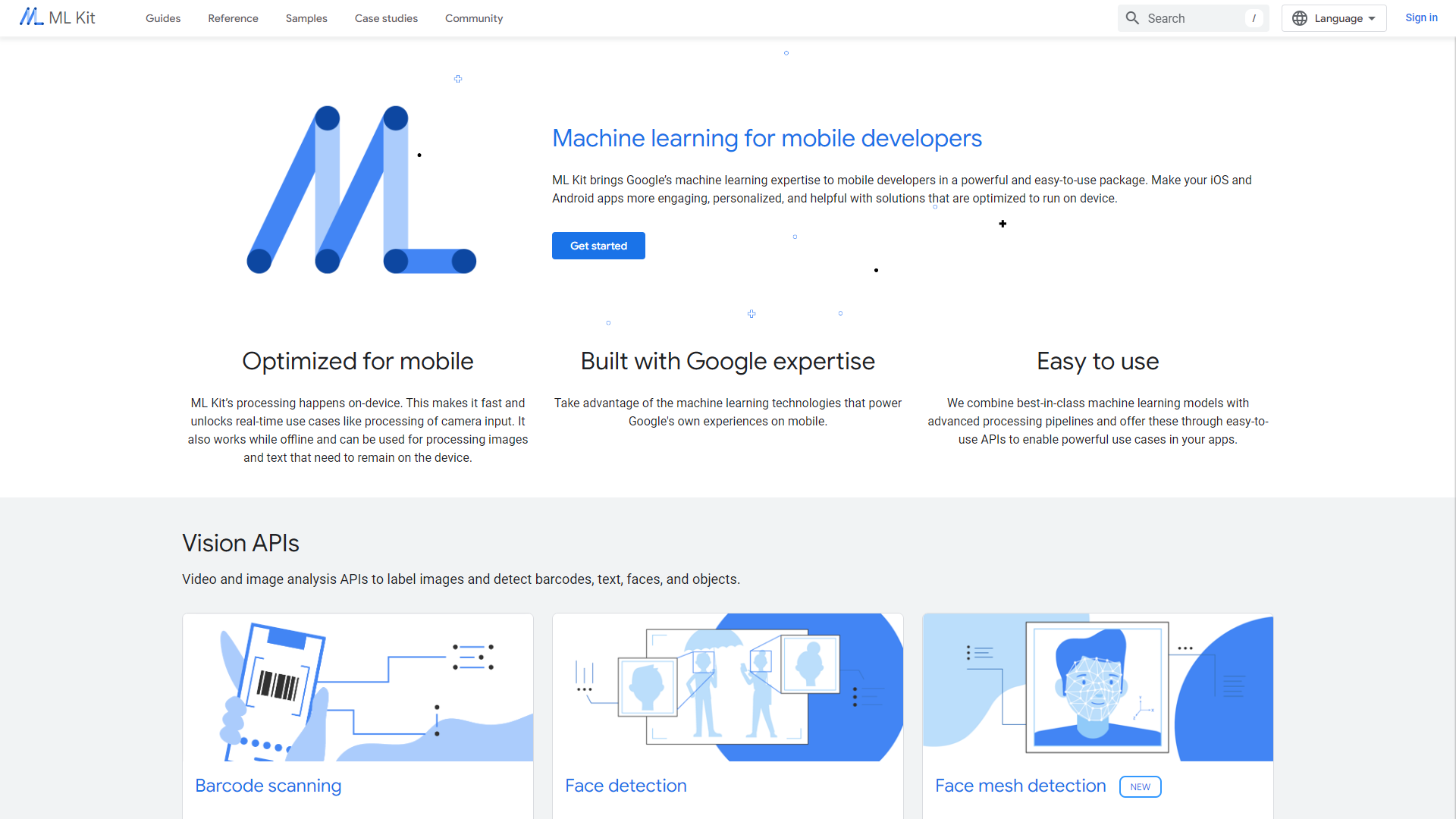
MLKit is a powerful library developed by Google that helps developers add machine learning features to their apps easily. It works on both Android and iOS, allowing for a wide range of use cases including text recognition, image labeling, and face detection. MLKit is designed to be user-friendly and doesn't require extensive knowledge of machine learning, making it accessible for developers of all skill levels.
The library provides pre-trained models that you can use right away, as well as tools to build custom models tailored to specific needs. This flexibility means that whether you're building a simple image classifier or a more complex application, MLKit has you covered. The integration with Firebase adds further capabilities, allowing developers to tap into various features such as data analysis.
With continuous updates from Google, MLKit keeps improving and adding new features, ensuring that it meets the latest needs of developers. This makes it not just a tool, but a reliable companion for building innovative applications in today's fast-paced digital landscape.
Pros
- User-Friendly
- Cross-Platform
- Pre-Trained Models
- Regular Updates
- Firebase Integration
Cons
- Limited Customization
- Dependency on Internet
- File Size
- Performance Variations
- Learning Curve
Key features
Text Recognition
Easily recognize text within images using pre-trained models.
Face Detection
Identify faces in images and videos with high accuracy.
Image Labeling
Automatically label objects in images to simplify identification.
Barcode Scanning
Quickly scan and read different types of barcodes and QR codes.
Custom Model Support
Create and integrate your own machine learning models into your app.
On-device Processing
Reduce latency and improve user experience by processing data on the device.
Language Translation
Translate text in real-time for a better multilingual experience.
Pose Detection
Detect and track poses in real-time for applications in fitness and gaming.
Rating Distribution
Company Information
User Reviews
View all reviews on G2MLKIT Review and sharing user experience.
What do you like best about MLKit?
I have used MLKit for face detection and extracting the text from image... Also used for reading the QR code and getting the text from that.
What do you dislike about MLKit?
Some times it show odd result and not that accurate.
What problems is MLKit solving and h...
One of the best options for text recognition
What do you like best about MLKit?
The text recognition and barcode scanning. It is easy to integrate with Android.
What do you dislike about MLKit?
Since I'm a mobile developer, it is not a problem for me, but MLKit is primarily designed for mobile platforms. So, if you need machine learning capab...
AI Pet Generator App using ML Kit for face detection
What do you like best about MLKit?
pre-trained models and easy-to-use for facial detection of human and dog face. can be used for iPhone and android users.
What do you dislike about MLKit?
restrictive for highly specialized tasks, limited and expensive at the same time.
What problems is MLKit solv...
Great tool for text recognition.
What do you like best about MLKit?
Integration was seamless, with diverse pre-trained ML models for tasks like text recognition, image labeling, and face detection. On my Android app, I frequently employed the text recognition model.
What do you dislike about MLKit?
As of now, there are no concerns...
MLKit: A Game-Changer in Machine Learning Development
What do you like best about MLKit?
I found it easy to integrate and use. It comes with a variety of pre-trained machine learning models for tasks such as text recognition, image labeling, face detection, and more. I used on my Android app, and the one I used the most was the text recognition one.
W...
Alternative Machine Learning tools
Explore other machine learning tools similar to MLKit






FAQ
Here are some frequently asked questions about MLKit.
What is MLKit?
MLKit is a library by Google that allows developers to easily add machine learning features to their applications.
Which platforms does MLKit support?
MLKit supports both Android and iOS platforms.
What features does MLKit offer?
MLKit offers features like text recognition, face detection, image labeling, barcode scanning, and more.
Do I need machine learning knowledge to use MLKit?
No, MLKit is designed to be user-friendly and doesn't require extensive machine learning knowledge.
Can I create custom models with MLKit?
Yes, MLKit allows you to create and integrate your own custom machine learning models.
Is MLKit free to use?
Yes, MLKit is free to use, but some features may require Firebase, which has its pricing models.
How does MLKit handle on-device processing?
MLKit processes data on the device to reduce latency and enhance user experience.
Where can I find documentation for MLKit?
You can find detailed documentation on MLKit's official website at developers.google.com/ml-kit.







