

Overview
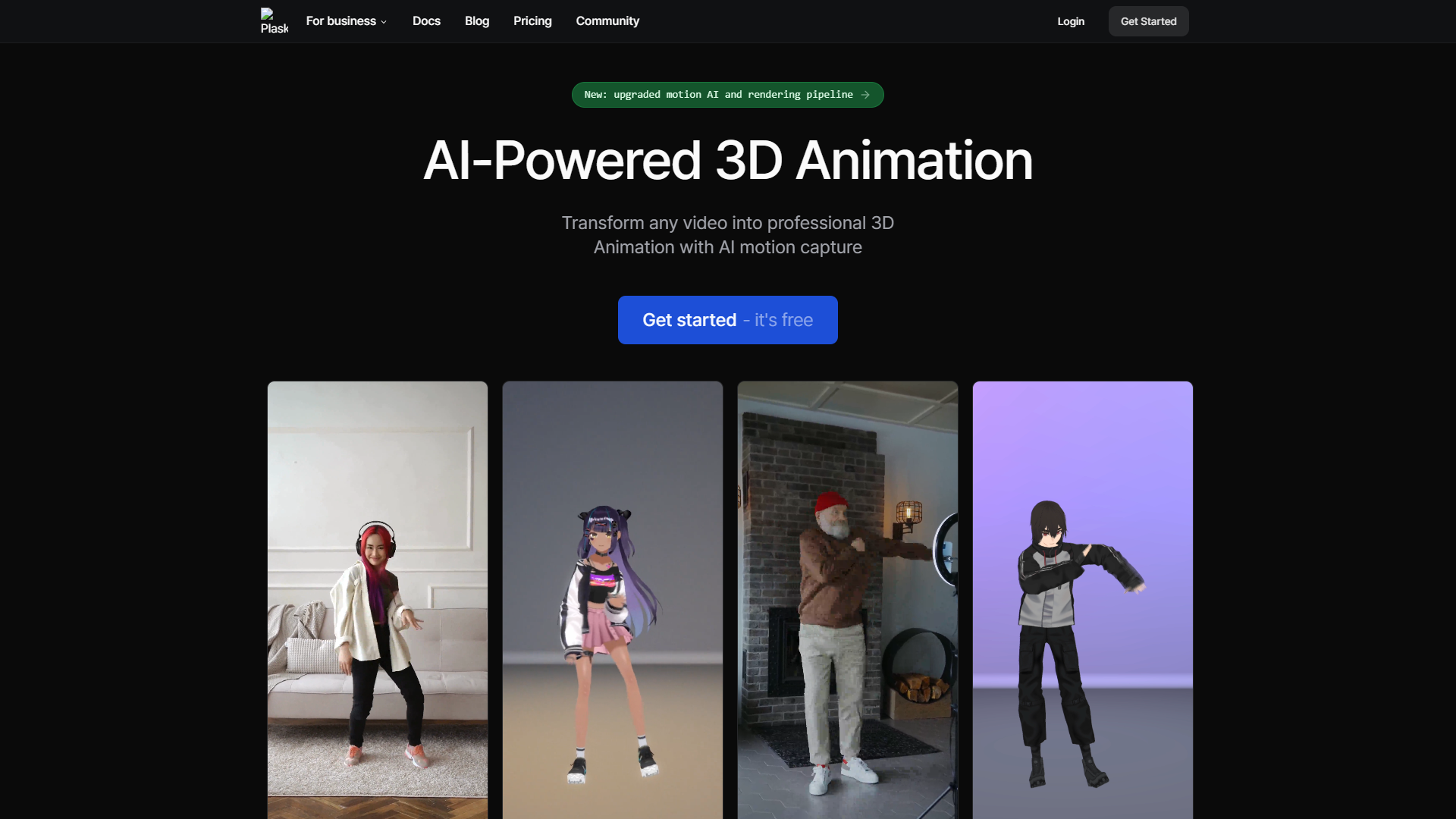
Plask is an innovative tool designed to make animation accessible to everyone, regardless of skill level. It allows users to create stunning animations using motion capture technology, making it easy to bring characters and designs to life. With Plask, users can simply record their movements and see them translated into animated figures, opening a world of creative possibilities.
One of the standout features of Plask is its user-friendly interface, which enables both beginners and experienced animators to navigate the software with ease. You can create animations quickly, which is perfect for those on tight deadlines or those just starting out in the animation world. This tool encourages experimentation and creativity, helping users to develop their unique style.
Furthermore, Plask supports a variety of export formats, making it a versatile option for anyone looking to share their work. Whether you're animating for games, films, or social media, Plask meets a wide range of animation needs. Overall, it is a great addition to any creative toolkit, allowing for efficient and enjoyable animation production.
Pros
- Easy to Use
- Flexible Workflow
- Fast Animation Production
- Community Feedback
- Regular Updates
Cons
- Limited Advanced Features
- Internet Required
- Pricing Model
- Performance Issues
- Learning Curve for Advanced Use
Key features
Motion Capture Technology
Easily capture your movements and convert them into animations.
User-Friendly Interface
Navigate the platform effortlessly, even as a beginner.
Multiple Export Formats
Share your animations in various formats suitable for different platforms.
Library of Templates
Access a range of pre-made templates to jump-start your projects.
Real-Time Preview
See your changes in real-time, which helps in fine-tuning your animations.
Cloud Storage
Save your projects online and access them from any device with an internet connection.
Collaboration Tools
Work with teammates seamlessly, sharing your projects and ideas.
Tutorials and Support
Utilize comprehensive tutorials to learn the ins and outs of the software.
Rating Distribution
Company Information
User Reviews
View all reviews on G2Great tool for beginners to create 3D Animations
What do you like best about Plask?
Plask Motion is easy to use for beignners to create 3D motion from videos. It is great because it highly accesible and it generate high quality output. Interface is quite simple which makes it look easy to work on. It also has free version with basic features to t...
Alternative Ai Image Generators tools
Explore other ai image generators tools similar to Plask




FAQ
Here are some frequently asked questions about Plask.
What is Plask?
Plask is an animation tool that uses motion capture technology to help users create animations easily.
Do I need prior animation experience to use Plask?
No, Plask is designed to be user-friendly, making it suitable for beginners.
What kind of animations can I create with Plask?
You can create a wide range of animations for games, films, and social media content.
Is there a free version of Plask?
Plask offers a limited free version, but some features may require a subscription or purchase.
Can I export my animations to different formats?
Yes, Plask allows you to export your animations in various formats suitable for different uses.
Is there support available if I have questions?
Yes, Plask provides tutorials and support to help users learn and troubleshoot.
How does the motion capture feature work?
You can record your movements using a webcam or compatible device, and Plask translates them into animations.
Can I collaborate with others on projects?
Yes, Plask includes collaboration tools that allow you to share your projects and work with others.







