

Microsoft Bing Image Creator
Create stunning images with ease using Microsoft Bing Image Creator.
Visit Website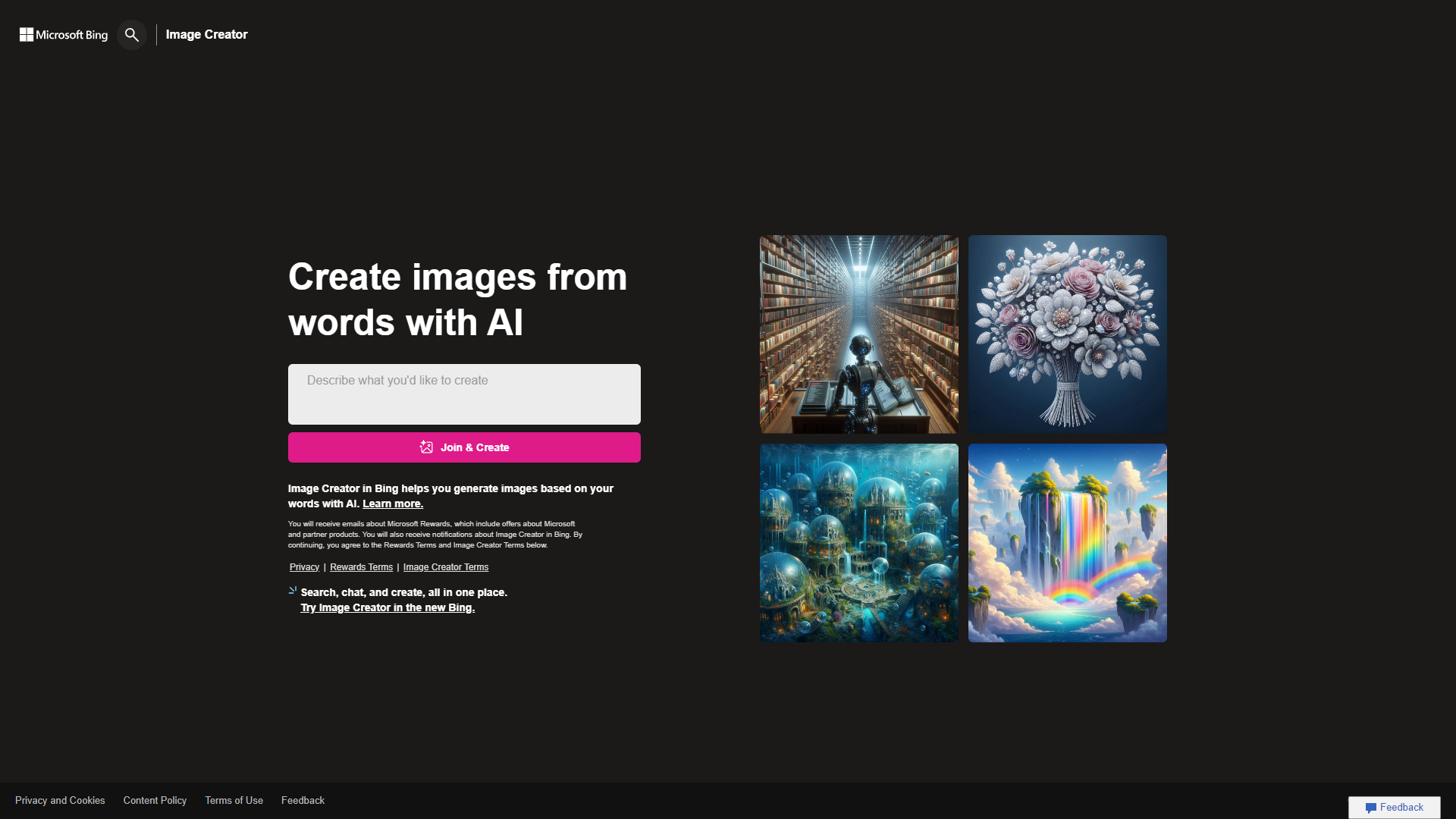
Overview
Microsoft Bing Image Creator is an innovative tool that allows users to generate images using advanced AI technology. With this tool, anyone can create beautiful and unique visuals quickly, without needing artistic skills. It is designed for both casual users and professional creatives, offering a user-friendly interface and powerful options.
Pros
- Easy to Use
- Time-Saving
- Creative Freedom
- Quality Images
- Strong Community Support
Cons
- Limited Styles
- Occasional Glitches
- Dependency on Internet
- Learning Curve
- Not Always Unique
Key features
AI-Powered Image Generation
This tool uses smart algorithms to create images based on user input, making it easy to visualize ideas.
User-Friendly Interface
The simple layout ensures that everyone, regardless of tech skill, can create images without hassle.
Customizable Options
Users can adjust various parameters like style and colors to get the perfect image.
High-Quality Output
The images generated are clear and high-resolution, suitable for any purpose.
Fast Processing Speed
Users can expect quick results, allowing for efficient workflow during projects.
Diverse Image Styles
From realistic to artistic, the tool provides a range of styles to match different needs.
Access to Stock Images
Users can explore and incorporate royalty-free stock images to enhance their creations.
Integration with Microsoft Products
Perfectly integrates with other Microsoft services, making sharing and collaboration easy.
Rating Distribution
Company Information
User Reviews
View all reviews on G2Easy and Fast image Generator
What do you like best about Microsoft Bing Image Creator?
It is easy to implement and give good quality images as output,
it completely depends upon your prompt writing capacity and knowledge as , the more precise and amazing your prompts are, the more accurate and similar to prompt quality images y...
Dream image in seconds
What do you like best about Microsoft Bing Image Creator?
Its an ai app that works on promts. If you have a clear image in your mind and have the capability to write the promt you can generate your dream image in secons with tow to four options.
What do you dislike about Microsoft Bing Image Creato...
The search engine that brings your ideas to life
What do you like best about Microsoft Bing Image Creator?
The dalle 3 engine that is used by Bing Image Creator is truly state of the art. It can analyse, comprehend and generate images that are beyond normal imagination. The results are so realistic and futuristic at the same time.
What do you dis...
Images from the context with Bing Image Creator
What do you like best about Microsoft Bing Image Creator?
You can imagine giving the guidelines and creating an infinite number of images and designs. It is very creative and intuitive for creating images from ideas, words, and contexts in general. Imagine and create with Bing Image Creator.
What d...
Best ever image creator
What do you like best about Microsoft Bing Image Creator?
I like that it can generate images that are diverse, detailed and sometimes surprising. It can also help me learn new things and discover new perspectives. For example, I can create images of places, animals, people or objects that I have nev...
Alternative Ai Image Generators tools
Explore other ai image generators tools similar to Microsoft Bing Image Creator




FAQ
Here are some frequently asked questions about Microsoft Bing Image Creator.
What is Microsoft Bing Image Creator?
It is a tool that allows users to generate high-quality images using AI technology.
Do I need special skills to use it?
No, the tool is designed to be easy for everyone to use, even beginners.
Can I customize the images I create?
Yes, you can adjust various settings to get the exact look you want for your images.
Is it free to use?
Microsoft Bing Image Creator offers many free features, but there may be premium options available.
What types of images can I create?
You can create a wide variety of images, from realistic photos to abstract art.
How fast can I generate an image?
The tool is designed for quick processing, so you can expect results in just a few seconds.
Can I use the images for commercial purposes?
Yes, as long as you follow the platform's guidelines regarding usage rights.
Where can I access Bing Image Creator?
You can access it through the official Bing website at bing.com/create.







