

Overview
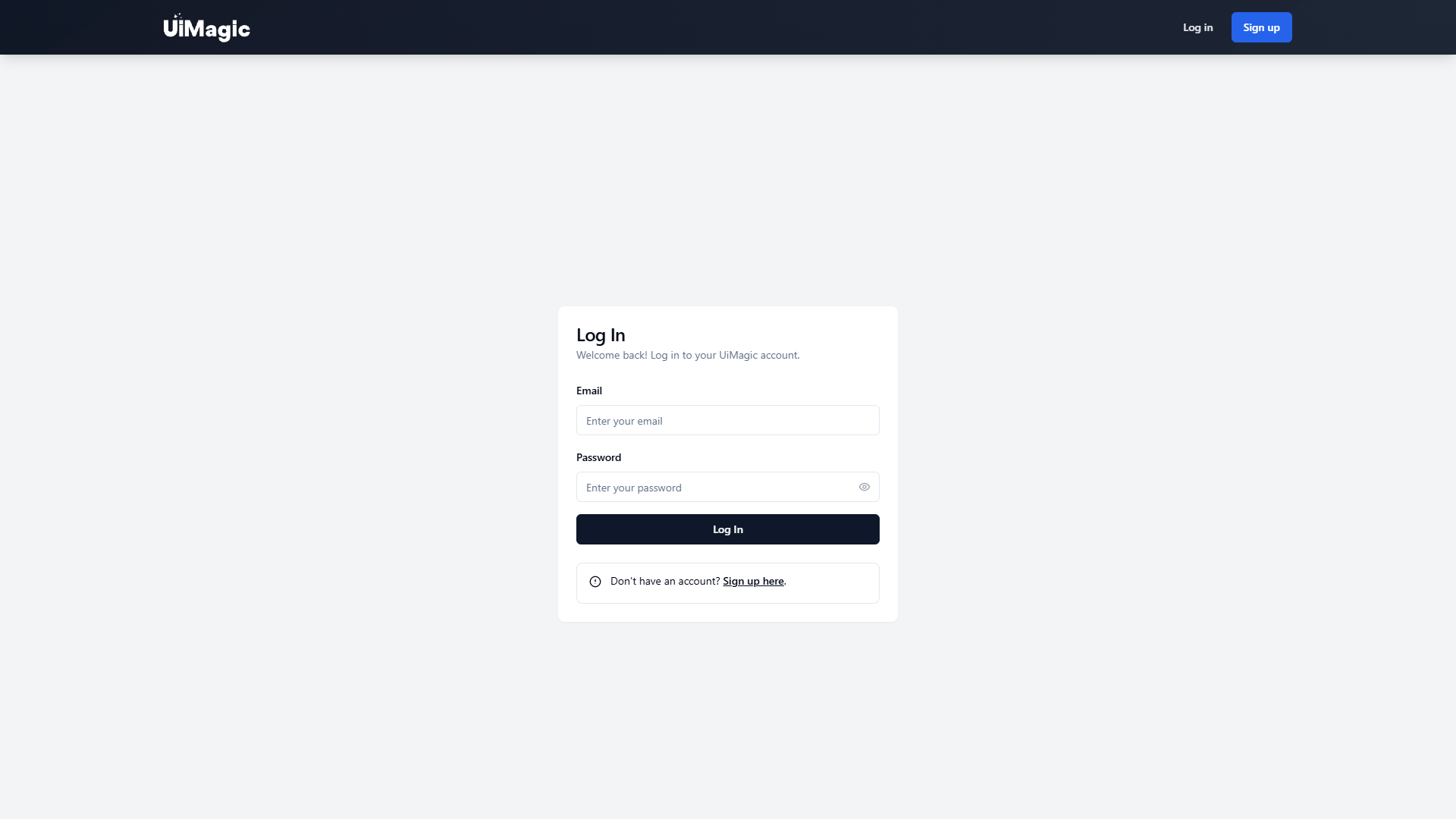
UiMagic is a versatile tool crafted to revolutionize the way designers and developers approach user interface creation and management. It stands as a bridge between complex coding and accessible design, allowing users from different backgrounds—be it novice designers or experienced developers—to explore a streamlined experience in UI design.
What sets UiMagic apart is its emphasis on a user-friendly approach. The tool eliminates the overwhelming complexity often associated with coding, offering a layout that facilitates straightforward design and management of UI components. Whether you’re tweaking a template or building a custom interface from scratch, the environment is structured to save time and improve productivity.
Beyond its intuitive interface, UiMagic brings powerful integration capabilities. It adapts to existing project tools and supports multiple coding languages, ensuring that it complements and enhances ongoing work without disrupting workflow. This seamless integration, combined with a wide range of templates and customizable features, tailors the design process to meet specific project demands efficiently and creatively.
Pros
- Boosts design productivity
- Enhances user experience
- Supports beginner designers
- Streamlined UI creation
- Flexible design features
Cons
- Limited advanced developer features
- Requires frequent updates
- Not suitable for all platforms
- Customization limitations
- Resource-heavy tool
Key features
User-friendly interface
UiMagic offers a straightforward, easy-to-navigate interface, significantly reducing the learning curve for users, whether they are experienced designers or complete beginners.
Easy project integration
The tool seamlessly integrates into existing projects, allowing users to incorporate UI elements without disrupting their current workflow or project structures.
Supports multiple languages
Built to accommodate various coding languages, UiMagic ensures that developers can integrate it without needing to compromise on their preferred programming languages.
Customizable templates
A variety of templates enable users to kickstart their design process, each with customizable features to tailor-fit different project needs.
Visual design tools
Enhance your UI with visual design tools that make creating stunning interfaces both efficient and enjoyable.
Alternative Ai Graphic Design tools
Explore other ai graphic design tools similar to UiMagic




FAQ
Here are some frequently asked questions about UiMagic.
How does UiMagic enhance UI design?
UiMagic enhances UI design by providing a robust platform that simplifies the creation and management of user interface components. It eliminates the need for extensive coding knowledge, making it accessible to designers of varying skill levels while integrating seamlessly with existing projects, enhancing both productivity and creativity.
What languages does UiMagic support?
UiMagic is built to support multiple coding languages, making it versatile and adaptable to the preferred languages of different developers and designers. This flexibility allows it to integrate effectively into diverse project environments without forcing users to adjust their existing codebases.
Are there ready-made templates available in UiMagic?
Yes, UiMagic offers a variety of customizable templates that users can choose from. These templates provide a strong foundation for building projects and can be tailored to fit the specific needs of a project, allowing for faster initiation and development of UI components.
Is UiMagic suitable for advanced developers?
While UiMagic is tailored to maximize accessibility and ease for beginners, advanced developers may find some limitations in terms of features. However, its integration capabilities and support for multiple languages still make it a valuable tool for enhancing UI design in more complex projects.
Can beginner designers use UiMagic effectively?
Absolutely, UiMagic is designed with a user-friendly interface that accommodates users regardless of their design experience. It provides templates and straightforward tools that simplify complex processes, enabling beginners to create functional and appealing interfaces with ease.
Does UiMagic require significant system resources?
While UiMagic is highly efficient, it may still require considerable resources to run smoothly, especially on lower-spec systems. Users should ensure that their systems meet the recommended specifications to guarantee optimal performance and avoid potential slowdowns during intensive design sessions.
How does UiMagic integrate with existing projects?
UiMagic integrates smoothly into existing projects by allowing users to easily implement UI elements without disrupting their current workflows. Its compatibility with multiple languages further facilitates a seamless integration, ensuring that ongoing projects can benefit from UiMagic's features without any major adjustments.
Can UiMagic be used across all platforms?
UiMagic may not be universally compatible with every platform, as its functionality is primarily based on the environments and systems that support its integration and execution. Users are advised to verify compatibility with the intended platform before incorporation to ensure seamless functionality.







