

Magic Sketchpad
Magic Sketchpad is a captivating tool designed for drawing enthusiasts who want to explore the collaboration between human creativity and machine learning. As users draw, a machine learning algorithm steps in to complete the sketches, offering a fascinating glimpse into how AI can augment artistic endeavors. This interactive experience allows users to select from multiple categories and observe how the machine interprets and extends their initial strokes. By leveraging magenta.js, Magic Sketchpad showcases the potential of AI in enhancing creative processes. It's especially appealing to those curious about the fusion of art and technology. This tool is ideal for anyone from casual doodlers to digital artists who wish to experiment with AI-generated suggestions, making it both educational and entertaining. Magic Sketchpad stands out as a versatile platform that encourages users to challenge their drawing abilities while discovering the creative capabilities of AI. It's suitable for educational environments, personal exploration, and even collaborative projects, highlighting the synergistic relationship between human input and machine learning insights.
Visit Website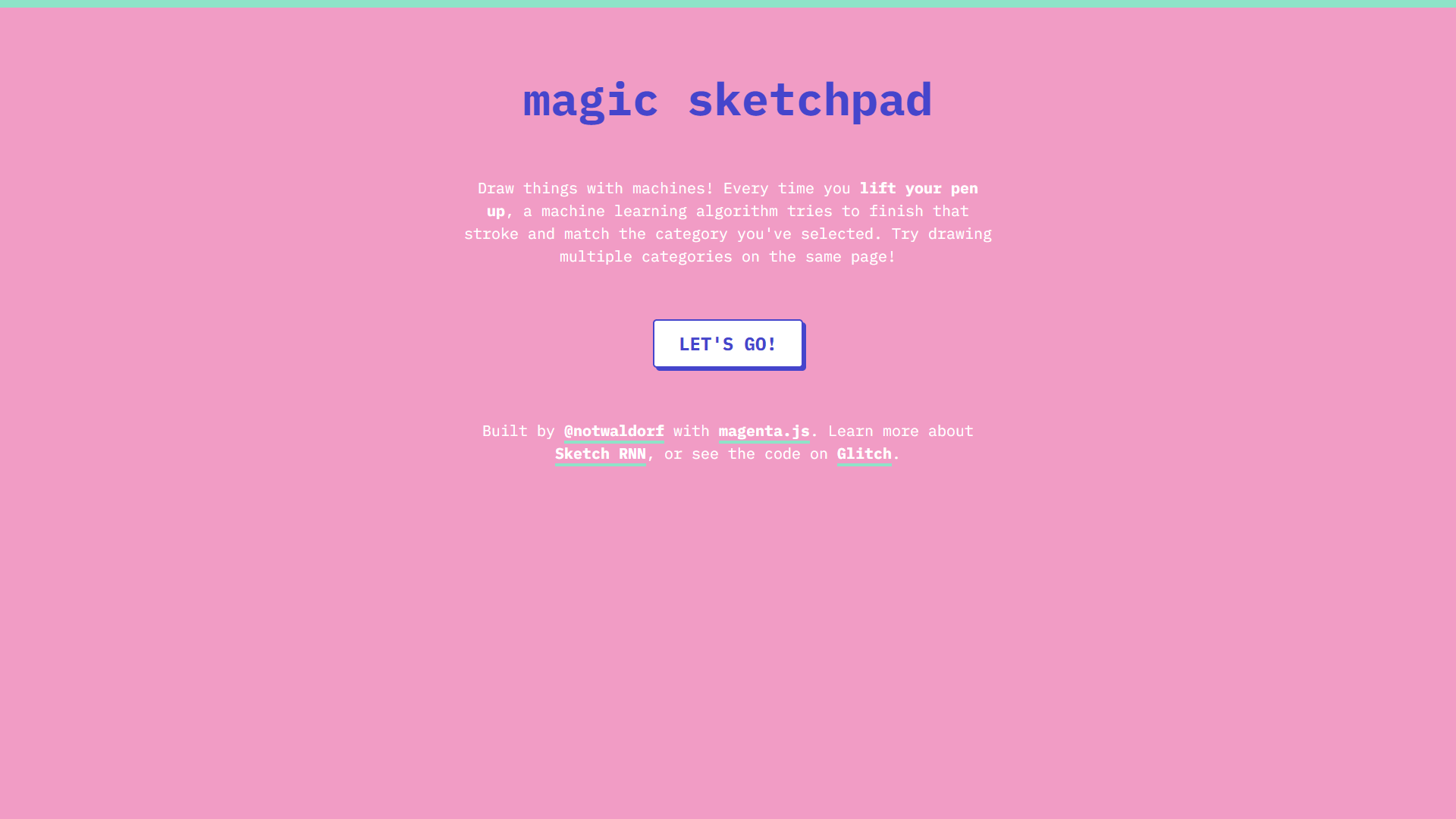
Overview
Magic Sketchpad is a captivating tool designed for drawing enthusiasts who want to explore the collaboration between human creativity and machine learning. As users draw, a machine learning algorithm steps in to complete the sketches, offering a fascinating glimpse into how AI can augment artistic endeavors. This interactive experience allows users to select from multiple categories and observe how the machine interprets and extends their initial strokes.
By leveraging magenta.js, Magic Sketchpad showcases the potential of AI in enhancing creative processes. It's especially appealing to those curious about the fusion of art and technology. This tool is ideal for anyone from casual doodlers to digital artists who wish to experiment with AI-generated suggestions, making it both educational and entertaining.
Magic Sketchpad stands out as a versatile platform that encourages users to challenge their drawing abilities while discovering the creative capabilities of AI. It's suitable for educational environments, personal exploration, and even collaborative projects, highlighting the synergistic relationship between human input and machine learning insights.
Pros
- User-friendly interface
- Encourages creativity exploration
- Supports multiple categories
- Educational environment suitability
- Promotes artistic collaboration
Cons
- Limited drawing tools
- Requires user engagement
- Basic artistic features
- No offline capabilities
- Lacks detailed user tutorials
Key features
Interactive sketch completion
Magic Sketchpad offers an engaging drawing experience where users are prompted to begin sketches that the AI then attempts to complete, creating a unique interactive art form.
AI-assisted drawing guidance
The platform provides real-time AI input, helping users see how machine learning algorithms can mimic and expand upon human drawing styles.
Multiple drawing categories
Users can select from a wide array of categories, from animals to objects, providing diverse environments to explore artistic styles.
Creative AI integration
By utilizing magenta.js, this tool demonstrates the potential of AI in artistic creation, pushing the boundaries of conventional sketching methods.
Simple user interface
The user-friendly setup ensures that individuals of all skill levels can quickly grasp and enjoy the sketching process with minimal learning curve.
Alternative Ai Graphic Design tools
Explore other ai graphic design tools similar to Magic Sketchpad






FAQ
Here are some frequently asked questions about Magic Sketchpad.
How does Magic Sketchpad work?
Magic Sketchpad uses a machine learning algorithm that aims to complete drawings initiated by the user. As you lift your pen, the tool detects and attempts to continue your strokes based on the selected category. This interaction provides a collaborative experience between human input and AI suggestions.
Can multiple categories be used in one drawing?
Yes, users can draw multiple categories on a single page. By choosing different categories, the AI will attempt to integrate elements from each into the same drawing, allowing for creative and diverse results.
What technology underpins Magic Sketchpad?
Magic Sketchpad is built with magenta.js, a JavaScript library for generating art with machine learning. This technology facilitates the AI's ability to complete drawings and understand user input within chosen categories.
Is Magic Sketchpad suitable for advanced digital artists?
While Magic Sketchpad offers a fascinating glimpse into AI-assisted drawing, it may lack the advanced features expected by seasoned digital artists. It's more suited for casual exploration and experimentation with AI.
What is required to use Magic Sketchpad?
To use Magic Sketchpad, a device with internet connectivity and a compatible web browser are necessary. Since it's built using magenta.js, ensure your browser supports this technology for optimal performance. No additional plugins or downloads are required.
Is there any cost associated with using Magic Sketchpad?
Magic Sketchpad is available for free. There are no associated costs or subscription fees, making it accessible for anyone interested in AI-assisted drawing experiences.
Can Magic Sketchpad be used for educational purposes?
Absolutely! Magic Sketchpad serves as an excellent educational tool, merging art with technology. It's suitable for teaching about AI's role in art, potentially inspiring interest in digital art forms and AI technology.
What are the system requirements for using Magic Sketchpad?
Magic Sketchpad primarily requires an up-to-date web browser with internet access. There are no specific OS requirements, making it flexible and accessible across various platforms and devices. Ensure your browser supports magenta.js for seamless operation.







