

ImageCreator
Professional Generative-AI plugin enhancing Photoshop capabilities.
Visit Website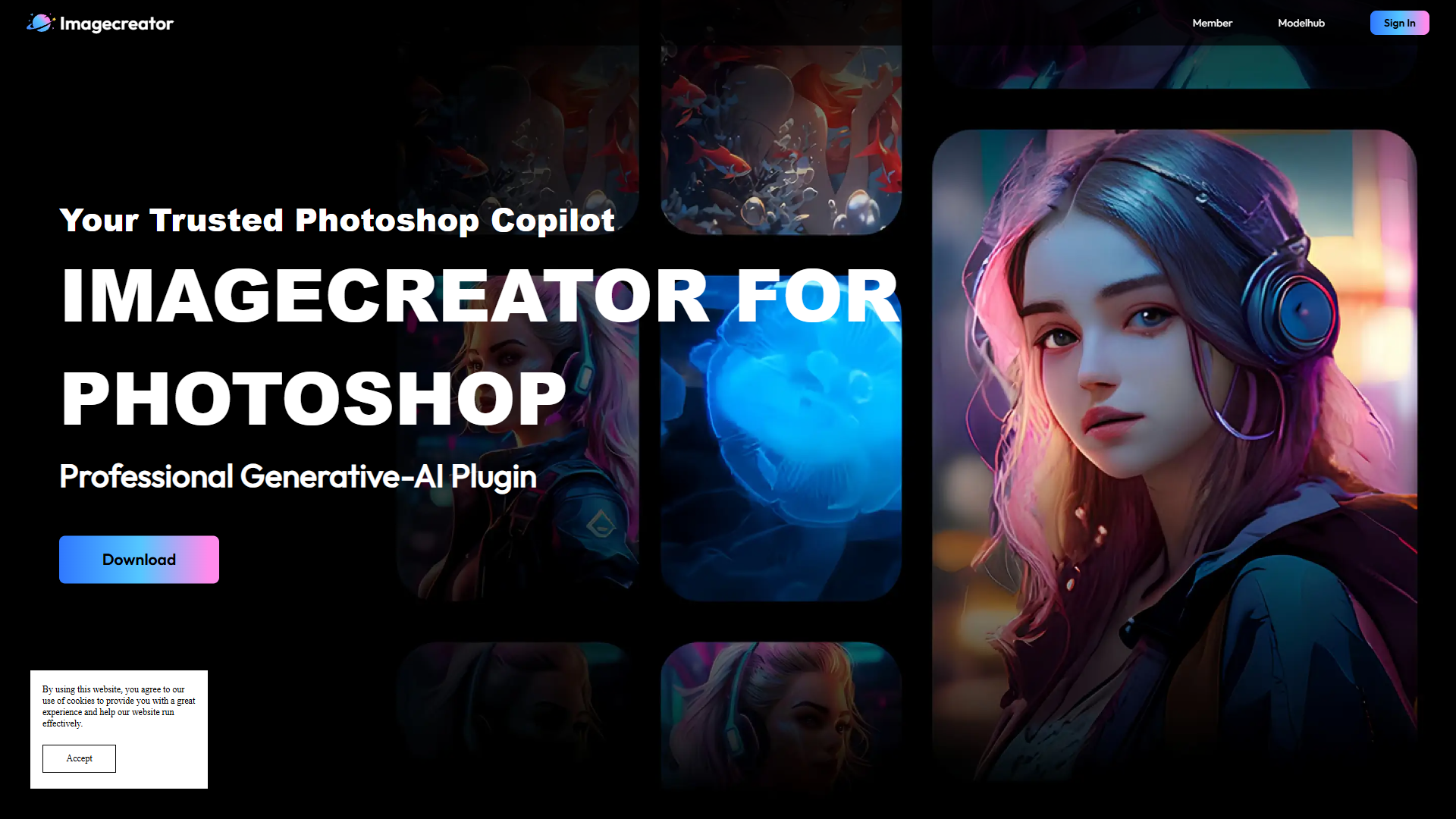
Overview
ImageCreator for Photoshop is a powerful plugin developed by AlkaidVision, designed to revolutionize the way designers work with Photoshop. Seamlessly integrating with Photoshop, this tool provides users with cutting-edge generative AI features that expand their creative potential. Whether it's converting text into captivating images, transforming existing images, or filling and enhancing with advanced ControlNet and variant features, ImageCreator delivers a comprehensive set of functionalities that cater to diverse design needs.
One of the standout features of ImageCreator is its ability to upscale images, producing sharper and more detailed outcomes. Users can customize their model library to suit individual preferences and project requirements, enabling efficient design processes and quicker turnaround times. Whether on Windows, macOS, or Creative Cloud, installing and using the plugin is straightforward, allowing designers to focus on the creative process.
Designed for professionals and enthusiasts alike, ImageCreator for Photoshop offers versatile features and countless possibilities to take design projects to the next level, ensuring users have the tools they need for innovative and efficient design explorations.
Pros
- Enhances design productivity
- Saves valuable time
- Supports diverse design needs
- Easy model customization
Cons
- Limited to Photoshop compatibility
- Requires learning curve
- No free plan offered
- Advanced features need understanding
Key features
Versatile feature integration
ImageCreator integrates a wide range of features into Photoshop, allowing users to perform tasks such as text-to-image conversion and image enhancement within their familiar software environment.
Text-to-image conversion
This feature enables users to transform text descriptions into stunning visual imagery, providing a creative edge in design projects.
Customizable model library
Users can tailor their library of models to fit specific project needs, ensuring efficient and streamlined design workflows.
Seamless installation process
The plugin can be easily installed on Windows, macOS, and Creative Cloud, facilitating quick setup and use in any design scenario.
ControlNet and variant options
These advanced features allow users to exercise greater control over image manipulation, offering flexibility in creating unique design outcomes.
Alternative Ai Graphic Design tools
Explore other ai graphic design tools similar to ImageCreator






FAQ
Here are some frequently asked questions about ImageCreator.
What is ImageCreator for Photoshop?
ImageCreator for Photoshop is a Generative-AI plugin developed by AlkaidVision, designed to integrate with Photoshop and expand its capabilities. It offers features such as text-to-image conversion, image manipulation, and upscaling, tailored for professional and creative design projects.
What are the key features of ImageCreator?
Key features of ImageCreator include text-to-image conversion, image-to-image transformation, ControlNet variants, and customizable models for design efficiency. Additionally, features like upscaling enhance the quality of images, providing a versatile toolset for designers.
Can I customize the model library in ImageCreator?
Yes, ImageCreator allows users to customize their model library. This feature lets designers tailor their selection of models to suit their specific project needs and design preferences, enhancing workflow efficiency.
How does ImageCreator enhance design productivity?
By automating complex design tasks and offering a diverse range of features, ImageCreator enhances productivity by reducing manual editing time and allowing designers to focus on creativity, leading to faster and more efficient design outcomes.
How can I install ImageCreator on my computer?
Installing ImageCreator is straightforward. It is compatible with Windows, macOS, and Creative Cloud. Users can download the plugin and follow simple installation steps to integrate it seamlessly with their existing Photoshop environment.
Is there a free trial available for ImageCreator?
Currently, ImageCreator does not offer a free trial or plan. The tool is designed for professional use, and users need to subscribe to access its full range of features, which might require consideration before committing to a purchase.
Does ImageCreator support all Photoshop versions?
ImageCreator is designed to be compatible with the latest versions of Photoshop. It is advisable for users to ensure their Photoshop is updated to guarantee smooth integration and optimal performance with the plugin.
What is the significance of the ControlNet feature in ImageCreator?
The ControlNet feature in ImageCreator provides users with advanced control over image manipulation, allowing for refined edits and creative freedom in defining unique design outcomes, which is ideal for professionals seeking more precise design tools.







