
Overview
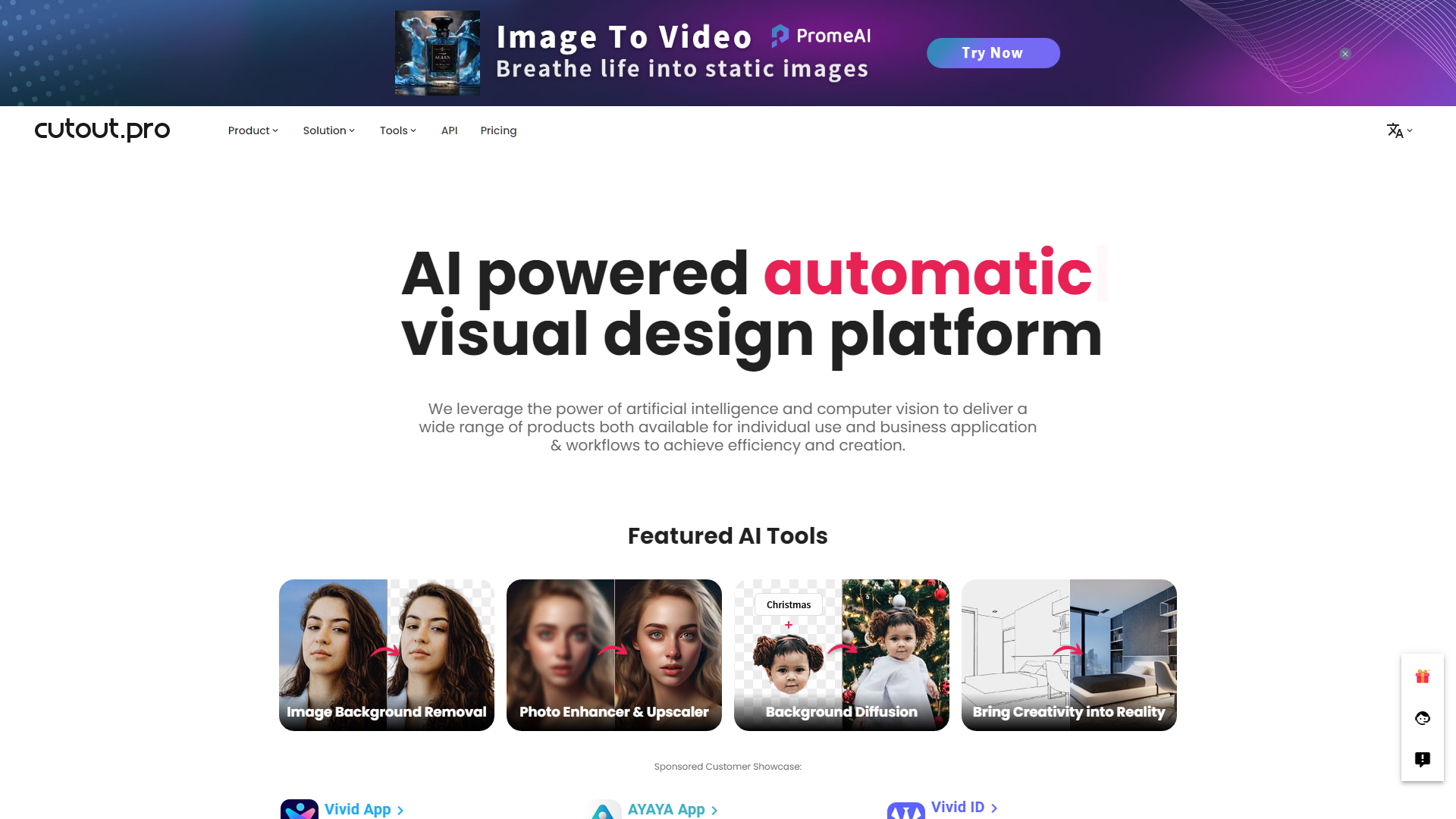
Cutout.pro is an innovative online tool designed to simplify the process of image editing, particularly focusing on removing backgrounds and enhancing photo quality. This tool is perfect for professionals and amateurs alike, offering a user-friendly interface that makes it easy to achieve high-quality edits with minimal effort. Cutout.pro utilizes advanced AI technology to automatically detect and remove backgrounds from images, making it an invaluable resource for graphic designers, marketers, and content creators who need to prepare images for presentations, websites, or social media platforms.
In addition to its background removal capabilities, Cutout.pro offers features such as photo retouching, color adjustment, and the ability to add new backgrounds or templates. This versatility makes it a comprehensive solution for various image editing needs. Whether you're looking to create professional-looking product photos or vibrant portraits free from distracting backgrounds, Cutout.pro provides precise tools to help you achieve the desired results quickly and efficiently. With its straightforward approach and powerful features, Cutout.pro stands out as a top choice for anyone looking to enhance their digital images effortlessly.
Pros
- Color correction
- Style transfer
- Face enhancement
- Object removal
- Text addition
Cons
- Limited free usage
- Quality inconsistency
- Internet dependency
- No offline mode
- Subscription model
Key features
Photo enhancer
Automatically improves image quality by enhancing resolution, colors, and details using advanced AI algorithms.
Background remover
Quickly removes backgrounds from images, making it perfect for creating transparent PNGs or isolating subjects.
Photo retoucher
Easily retouch photos to remove blemishes, adjust skin tones, and enhance features with simple tools.
Image upscaler
Enlarge images without losing clarity using AI to preserve and enhance details, ideal for printing and high-resolution displays.
Cartoon converter
Transform photos into cartoon or anime styles automatically, offering fun and creative visual options.
Batch processing
Supports processing multiple images at once, saving time and maintaining consistent quality across edits.
Alternative Ai Graphic Design tools
Explore other ai graphic design tools similar to Cutout.pro






FAQ
Here are some frequently asked questions about Cutout.pro.
What is Cutout.pro used for?
Cutout.pro is a tool designed for image editing, specifically focusing on features like background removal, photo retouching, and image enhancement.
Does Cutout.pro support batch processing for multiple images?
Yes, Cutout.pro supports batch processing, allowing users to upload and edit multiple images at once, which is especially useful for removing backgrounds or applying filters consistently across many photos.
What file formats does Cutout.pro support for uploading and downloading images?
Cutout.pro supports popular image formats including JPEG, PNG, and BMP for both uploading and downloading images.
Does Cutout.pro offer any tutorials on how to use its features effectively?
Cutout.pro provides a help section with tutorials and guides on how to use various features of the tool effectively, helping both beginners and advanced users.
How can I remove the background of an image using Cutout.pro?
To remove the background from an image, upload your photo to Cutout.pro, select the background removal tool, and the software will automatically process the image to remove the background.
Is there a mobile app available for Cutout.pro?
As of the last update, Cutout.pro does not have a dedicated mobile app, but its website is mobile-friendly and can be accessed effectively through a mobile web browser.
Can I use Cutout.pro for commercial purposes?
Yes, images processed with Cutout.pro can be used for commercial purposes, but it's always good to check the latest terms of service on their website for any usage restrictions or licensing details.
What is the cost of using Cutout.pro?
Cutout.pro offers both free and paid subscription plans. The free version may have limitations on features and usage, while paid subscriptions provide full access to all tools and higher processing limits.







